Face Slimmer AI
Before & After: Face Slimmer
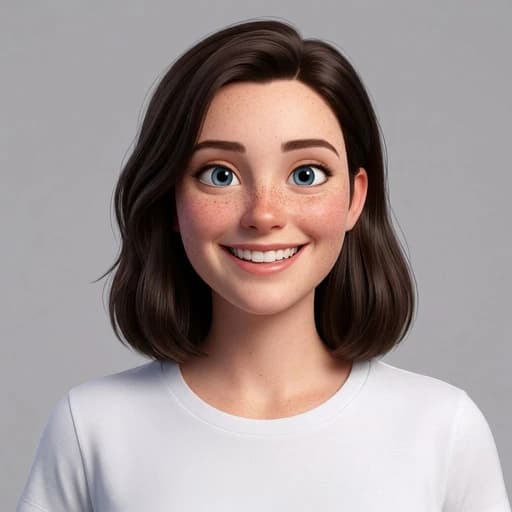
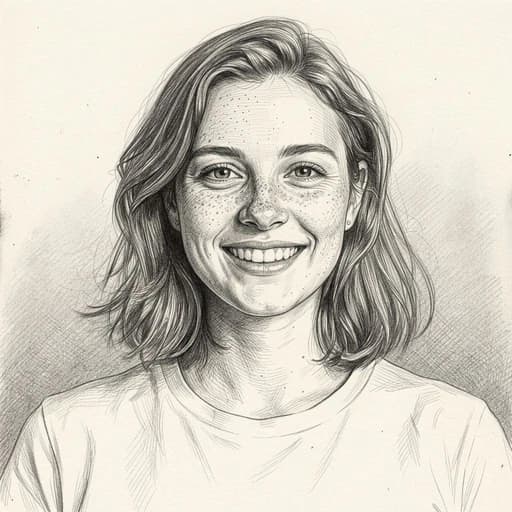
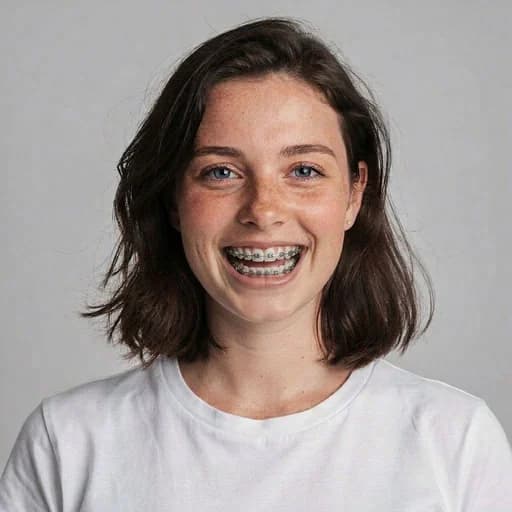
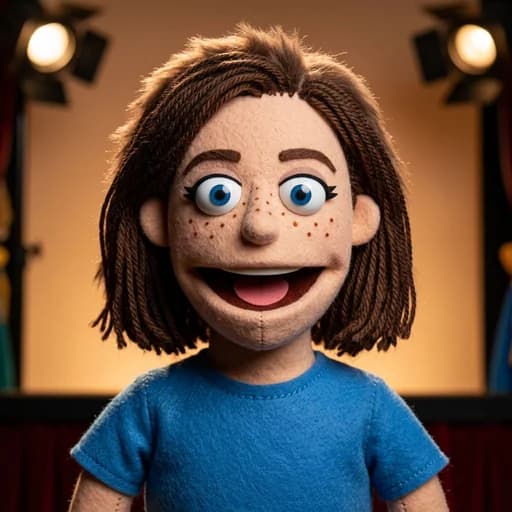
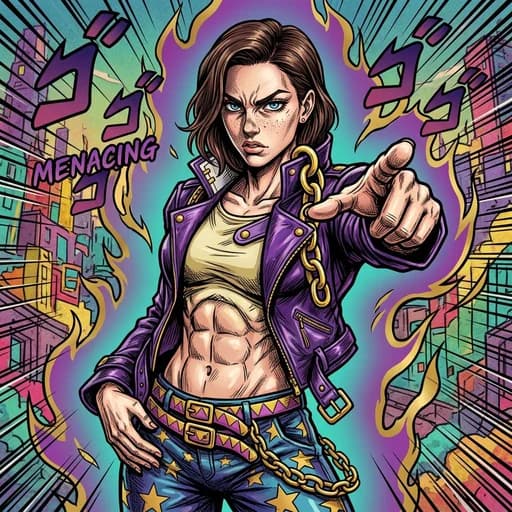
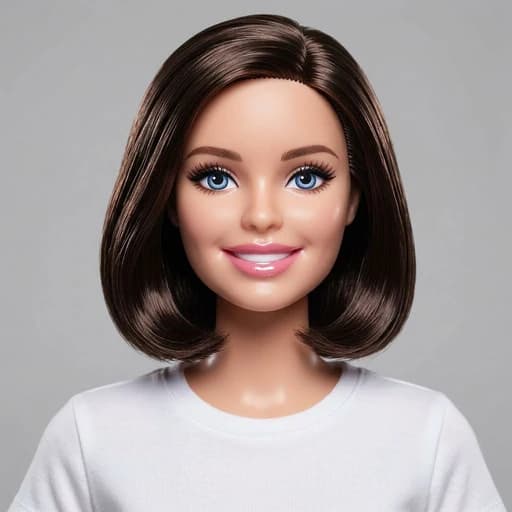
Example: left, original portrait; right, narrower jawline. Drag to compare.


Before
After
Tap to compare
What this filter changes
Create a narrower-looking jaw and cheeks in a portrait. The face slimmer edits the photo; it does not predict the result of fat reduction or cosmetic treatment.
How to use this filter
1. Upload a front-facing photo
Keep both sides of the jaw visible.
2. Apply the face slimmer
Generate a narrower-looking jaw and cheeks in the editor.
3. Review and download
Check the new contour and facial details, then download.
Tips & limitations
- Beards, hair, hands or clothing can hide the jawline the AI needs to narrow.
- Other features can change too, including eyes, ears and hairline.
Last reviewed by PicTools.AI editorial.
Face Slimmer FAQs
Upload a portrait to PicTools.AI. The AI generates a narrower-looking jaw and cheek outline, which you can compare with the original.
Yes, you can try it for free. Sign up to get welcome credits and start slimming your face instantly — no credit card required.
The intended edit is the face outline, but generative AI can also change eyes, mouth, ears, hairline or nearby details. Inspect the full result.
No. It edits a picture and does not reduce facial fat, change a person or predict the outcome of a cosmetic procedure.
A front-facing portrait with both sides of the jaw visible makes the generated outline easiest to compare.