
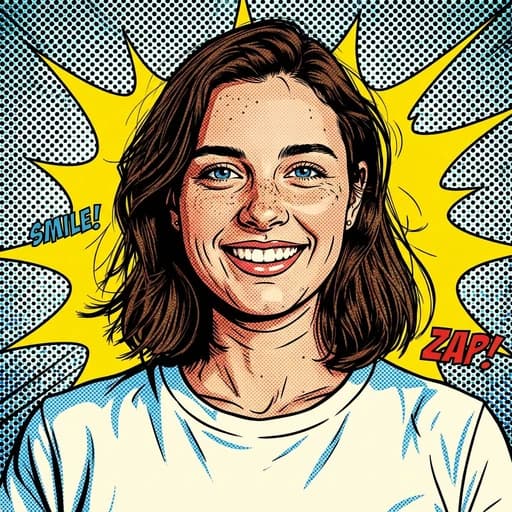
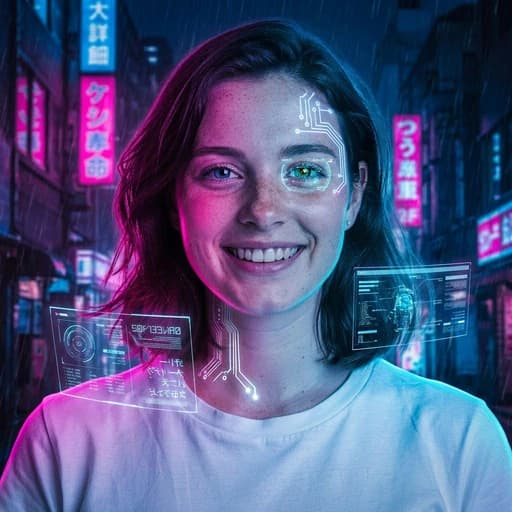
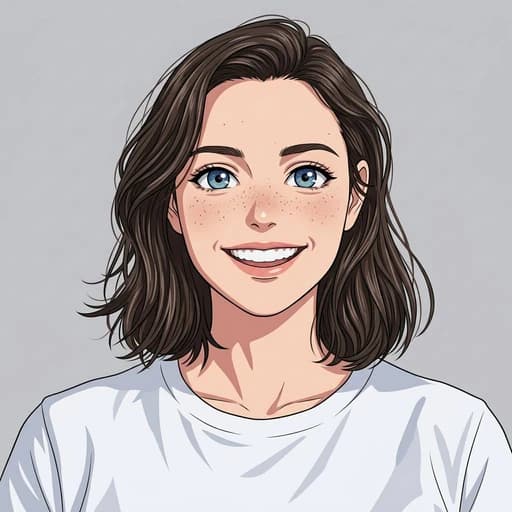
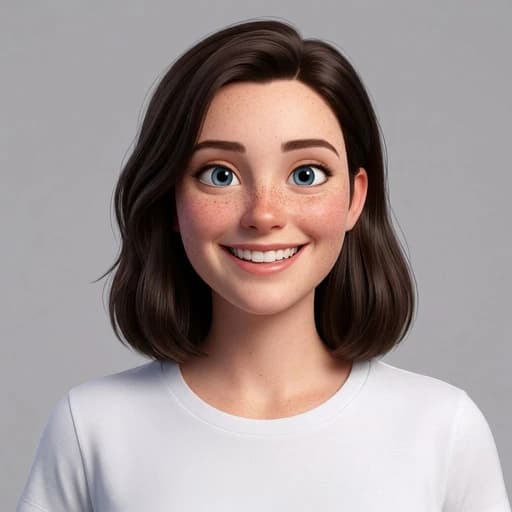
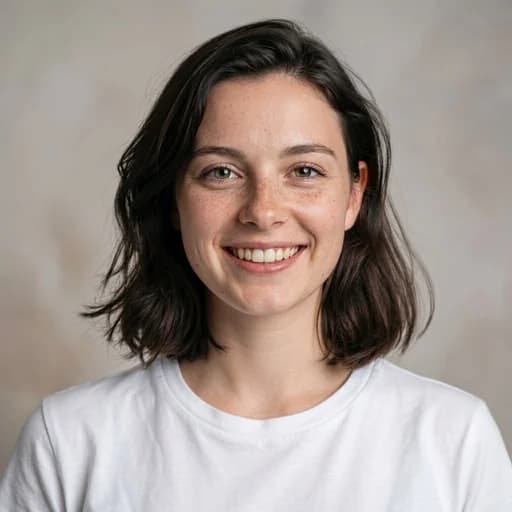
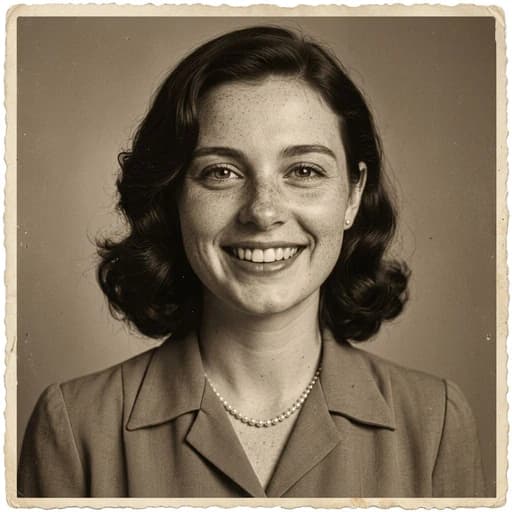

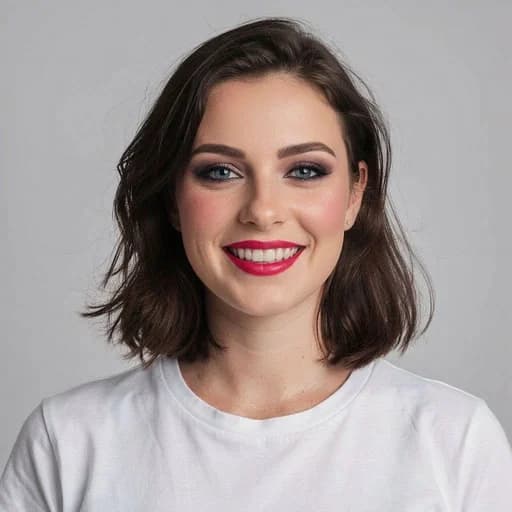
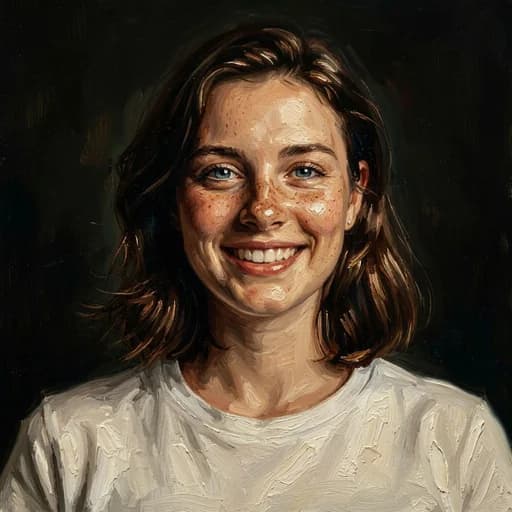
Free AI Image Editor Online
Upload a photo. Describe what you want. AI does the rest.
Tap to upload a photoDrop a photo here or click to upload
80,000+ users
2 free credits
No credit card
How the AI Photo Editor Works
It is an AI photo editor you talk to instead of click through. Describe the edit and it happens on your image, no software to install and nothing to learn first.
Upload
Drop in any photo from your phone or computer. JPG, PNG and WEBP all work.
Describe
Type the change you want in plain words, or pick one of 130+ one-tap filters. No layers, no masks, no tools to learn.
Download
Your edited photo is ready in seconds, in full resolution, yours to keep.
What You Can Do with the AI Photo Editor
Before
After
Tap to compare
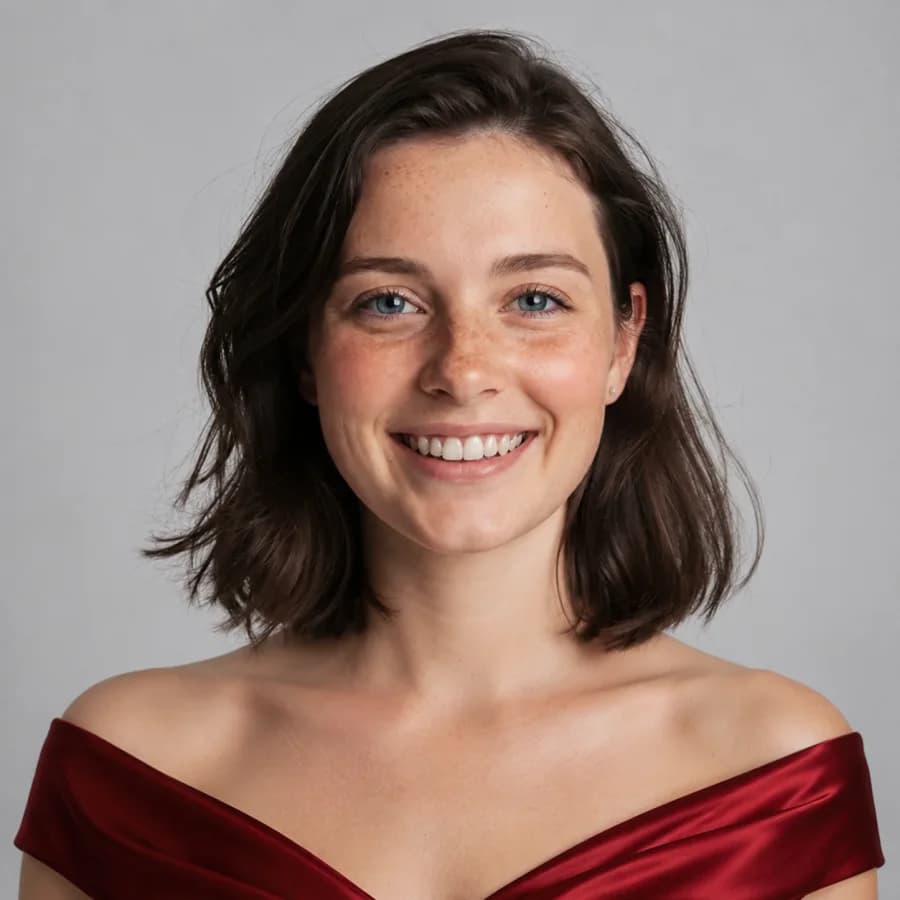
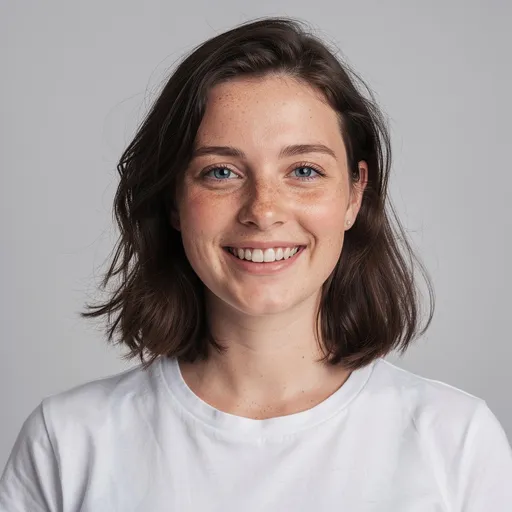
Change Outfits
Try a different outfit in seconds while keeping the same person, face and pose. Go from everyday clothes to a polished look without a new photo shoot.
Change an outfit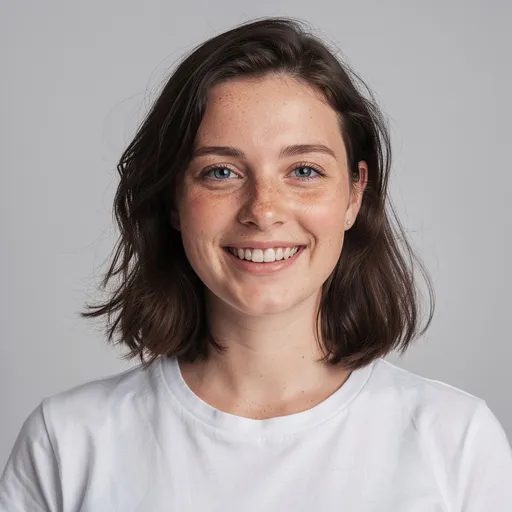
Before
After
Tap to compare
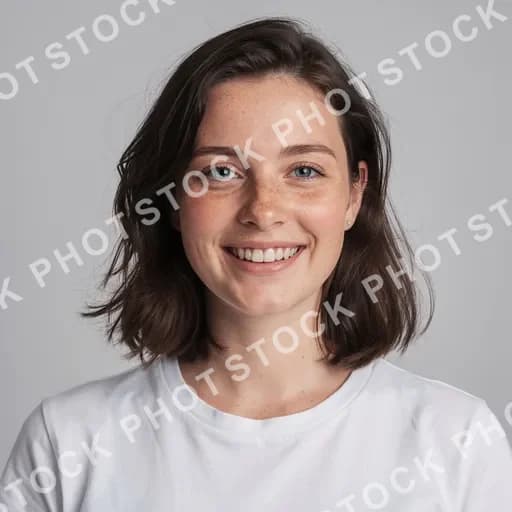
Remove Watermarks, Text and Objects
Point at what you want gone and the AI rebuilds what was behind it. Works for watermarks, logos, stray text, and anything you would rather not have in the shot.
Remove a watermark
Before
After
Tap to compare
AI Headshots and Portrait Retouching
Turn a phone selfie into a headshot you would put on LinkedIn, or make smaller fixes: skin, teeth, glare, a double chin, an expression.
Generate AI headshots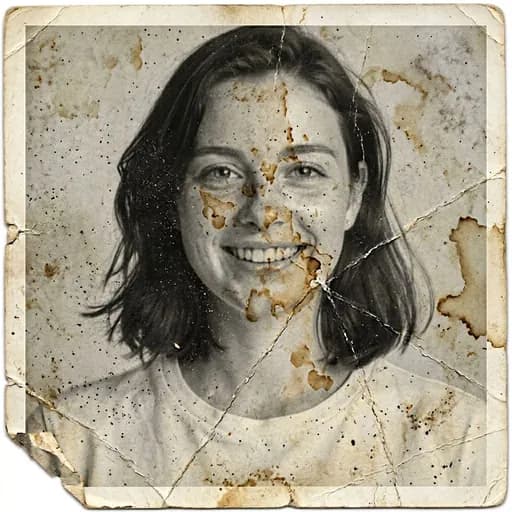
Before
After
Tap to compare
Restore Old and Damaged Photos
Repair visible damage in old photo scans. In the example, a cracked black-and-white print is cleaned and colorized; the added colors are an AI interpretation.
Restore an old photo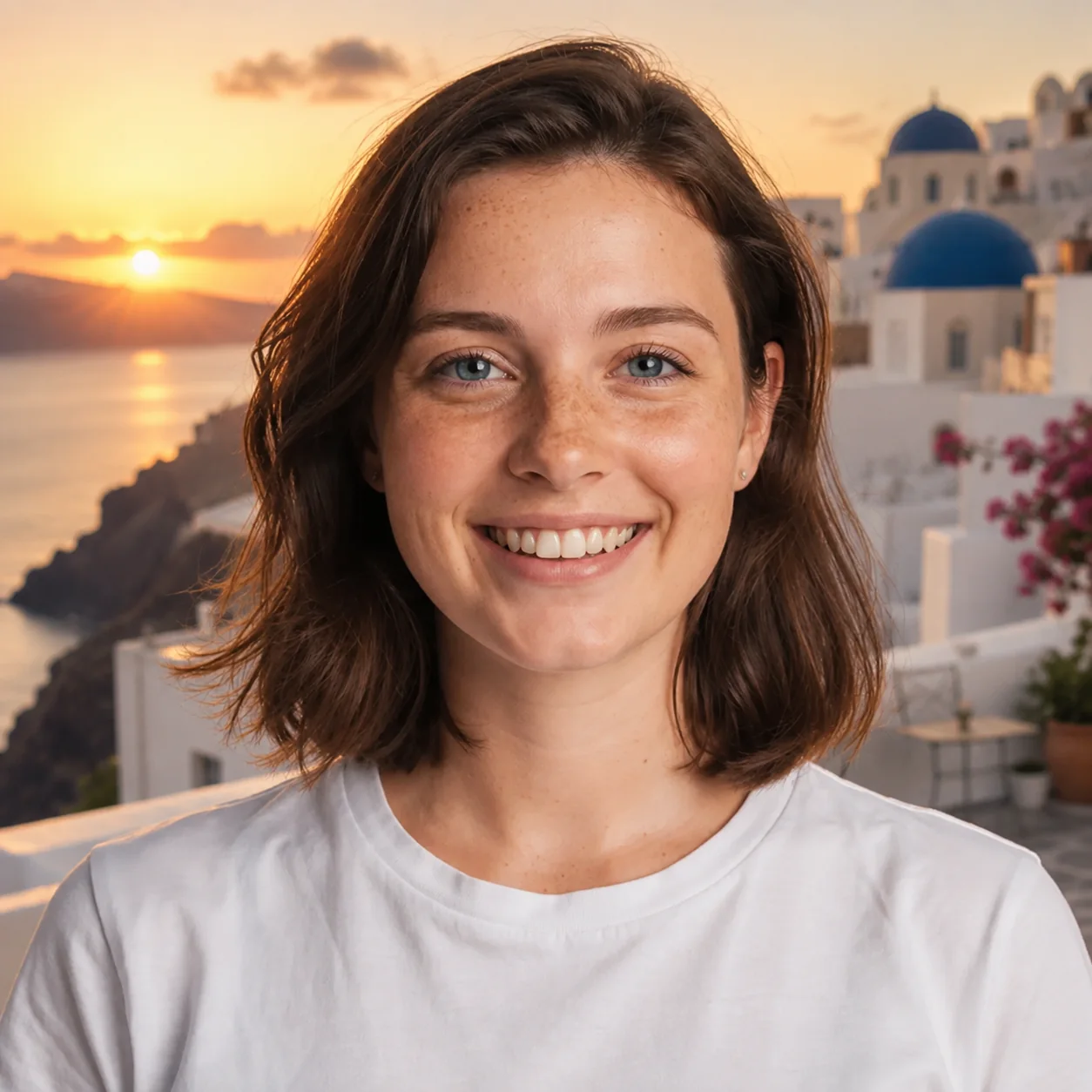
Before
After
Tap to compare
Change or Remove Photo Backgrounds
Remove a distracting background or place yourself somewhere worth sharing. Describe the scene you want, or remove it completely.
Change a background
Before
After
Tap to compare
Enhance Photo Quality
Sharpen a soft shot, fix the lighting, or relight a photo taken against the window while preserving natural detail.
Enhance a photoBefore
After
Tap to compare
Studio Ghibli Style
Turn any photo into a soft, hand-painted anime scene while keeping the face and pose recognisable.
Try Studio Ghibli style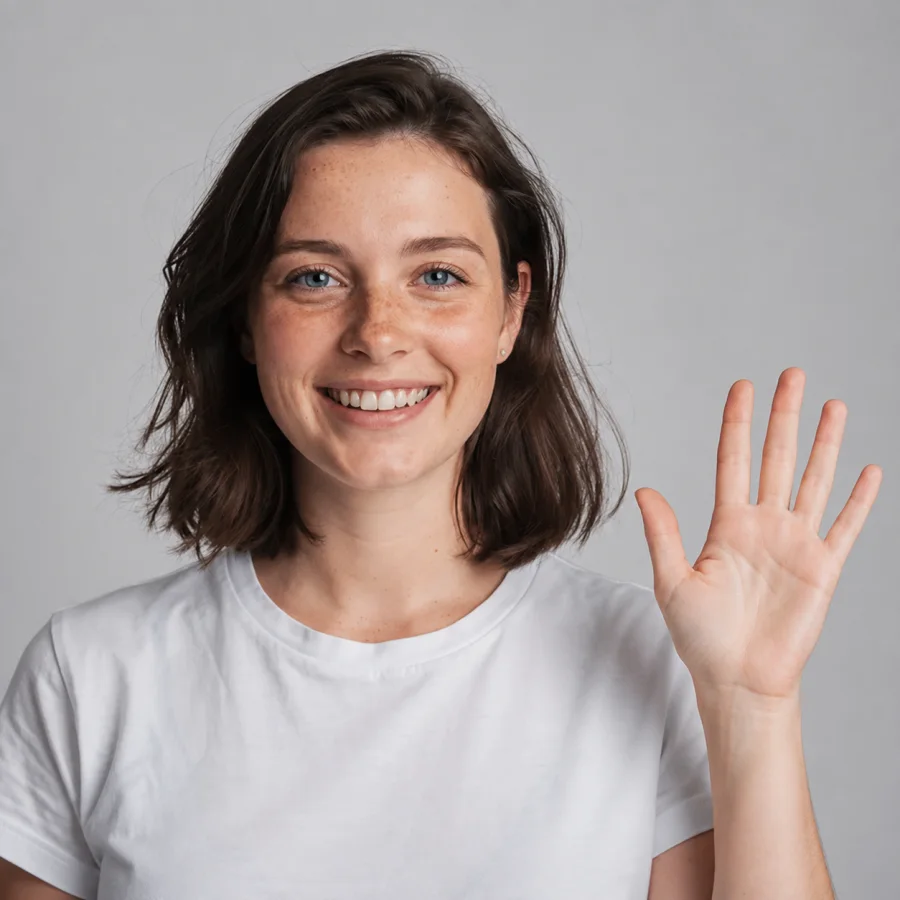
Before
After
Tap to compare
Change Poses and Gestures
Turn a portrait into a different pose or natural gesture while keeping the same person, clothes and setting.
Change a poseImage to Vector — AI Vector Generator
Turn any photo or logo into a clean, editable SVG. Real vector paths you can recolor, reshape and scale to any size without blurring — ready for Figma, Illustrator, print and cutting machines.
Try the Vector Generator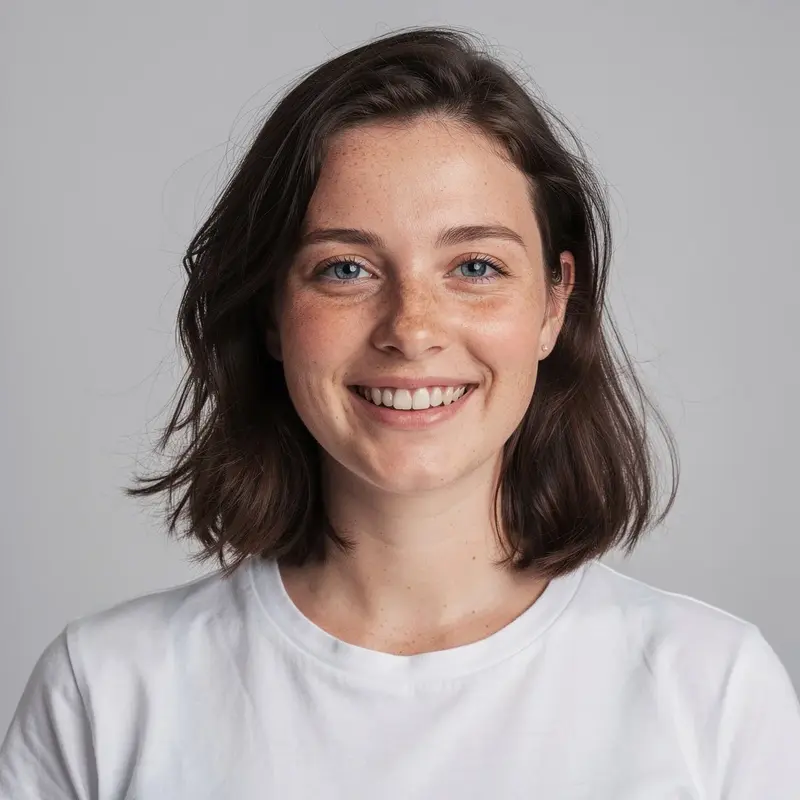
Your photo
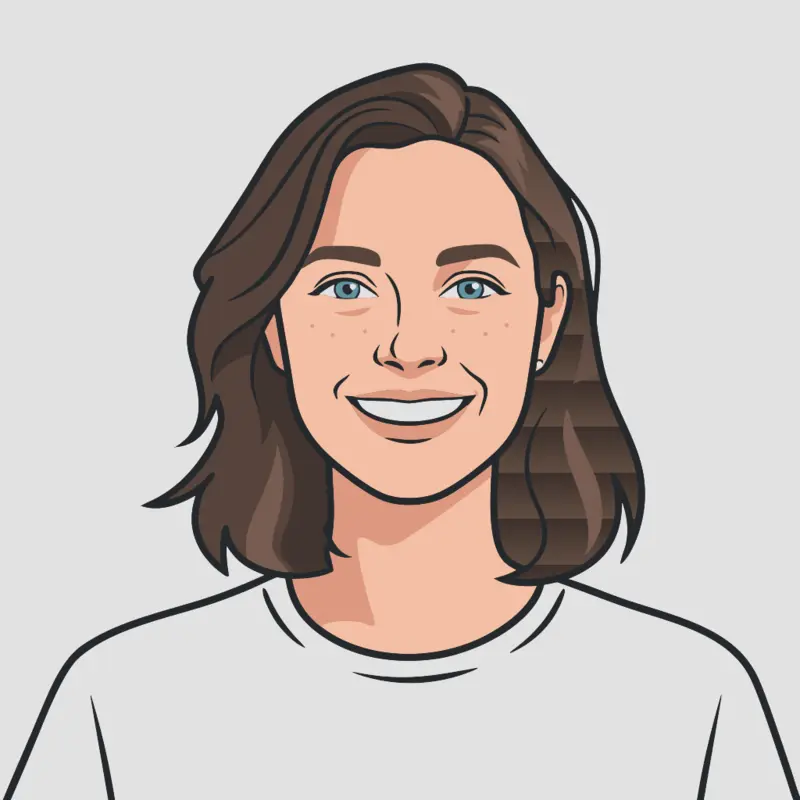
Editable vector
More AI Photo Tools
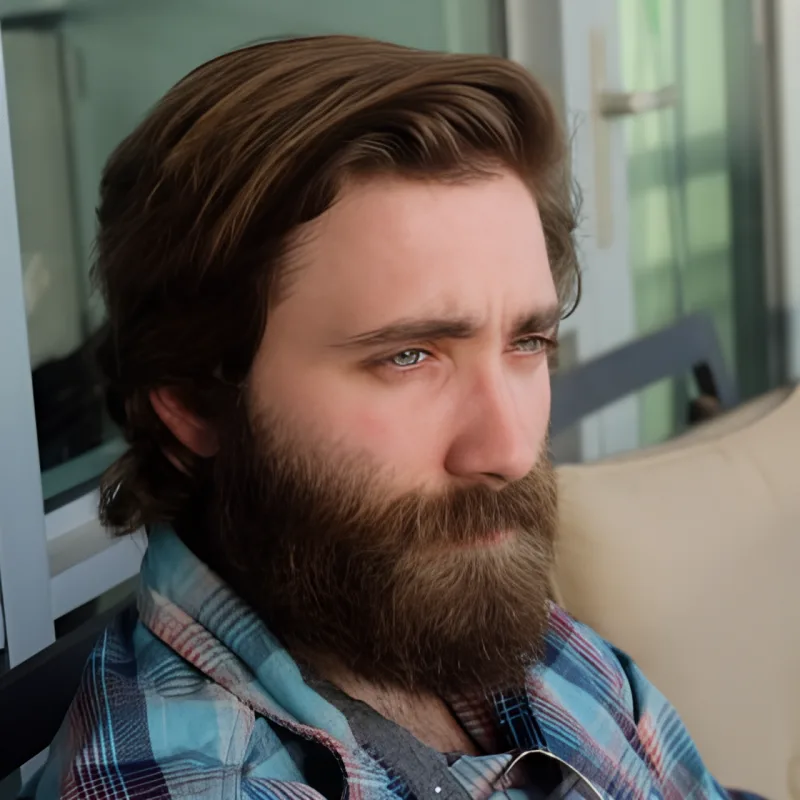
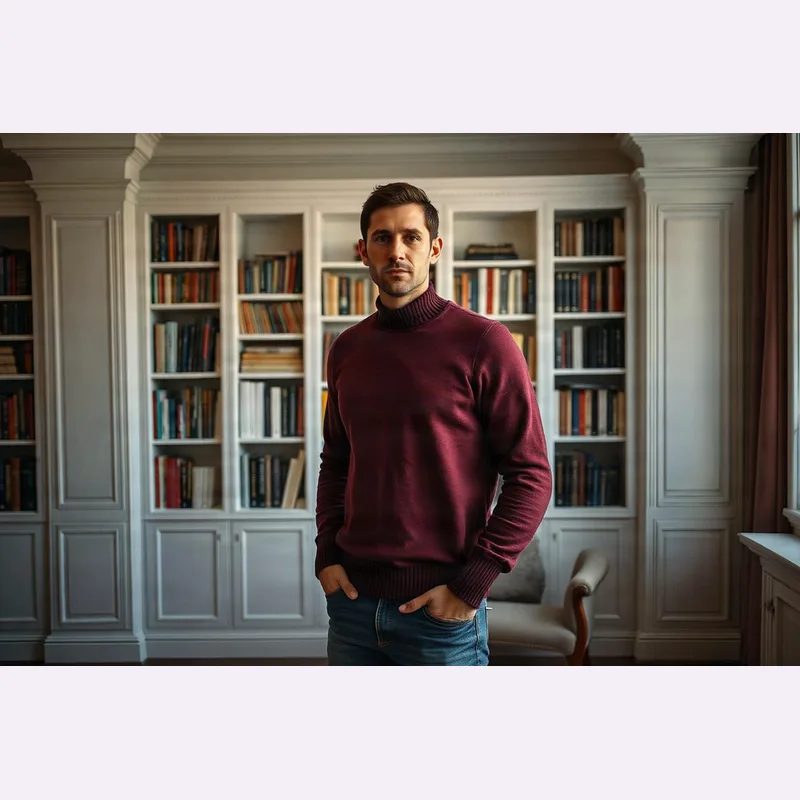
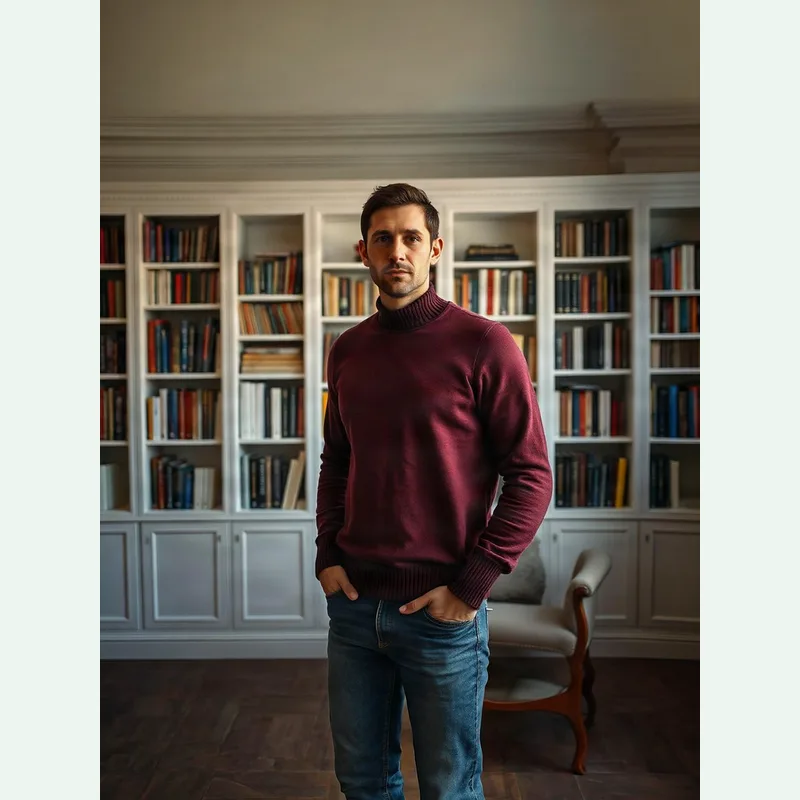
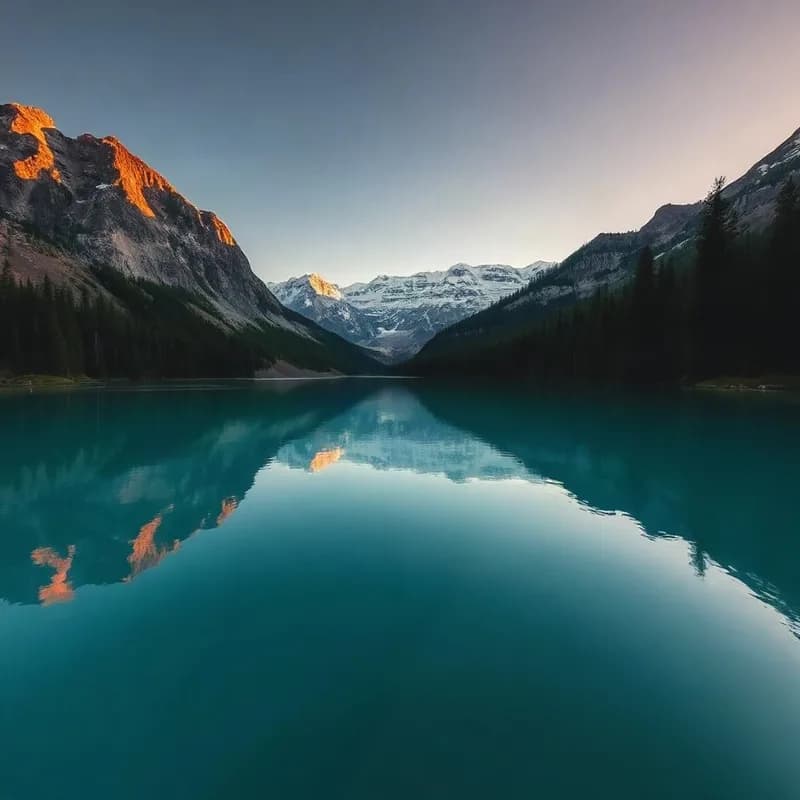
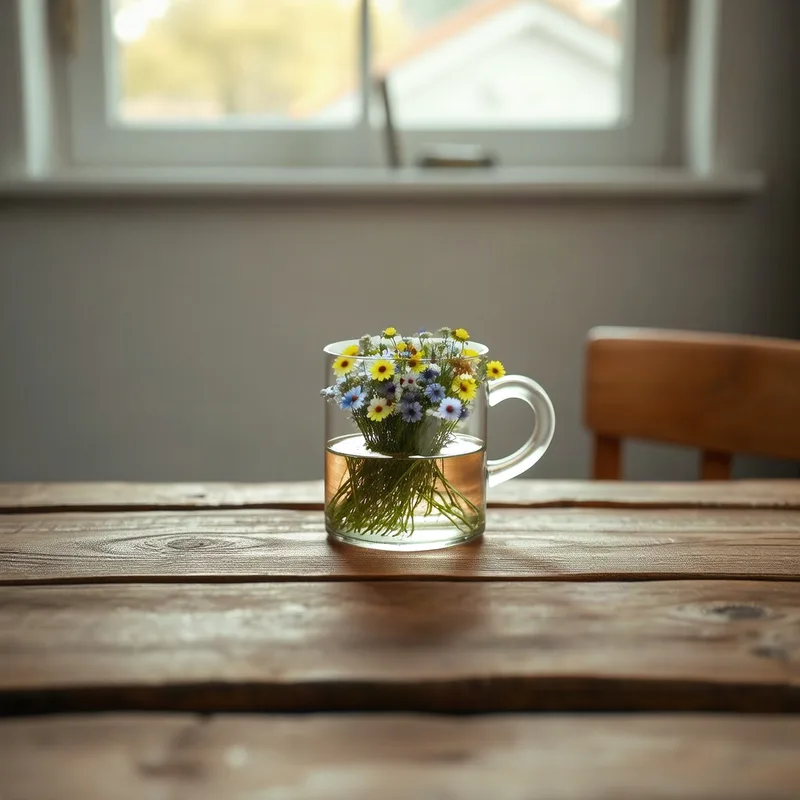
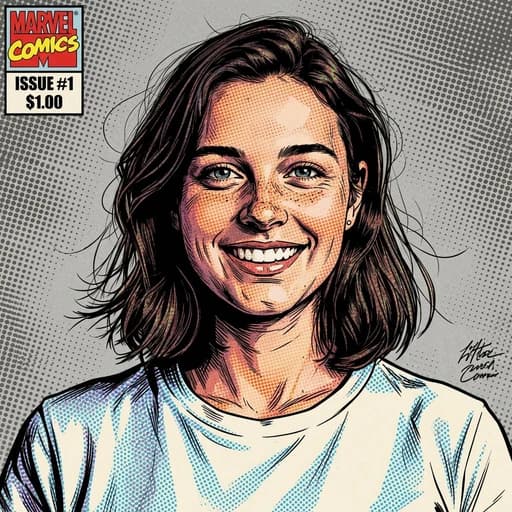
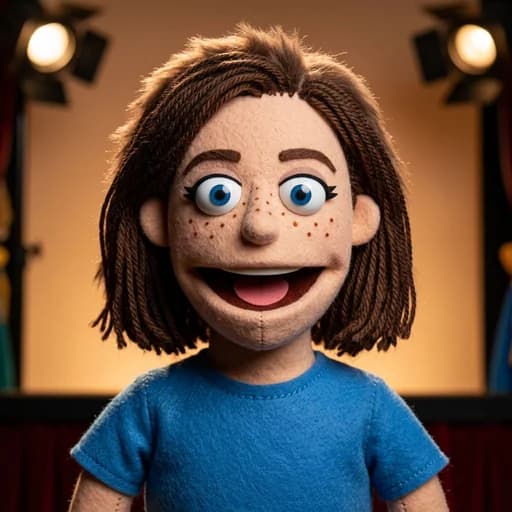
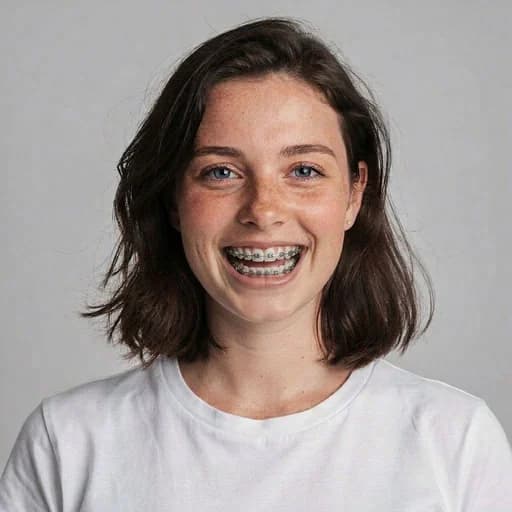
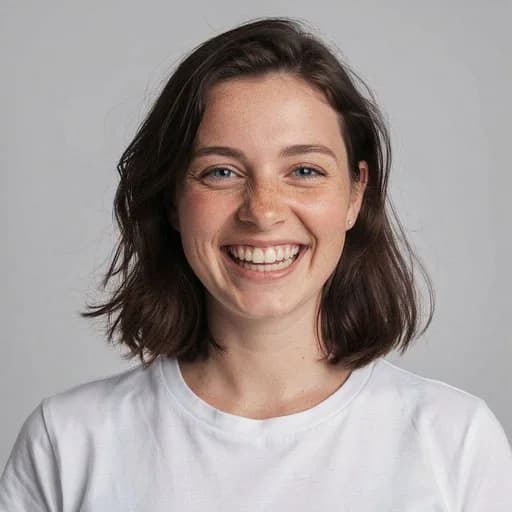
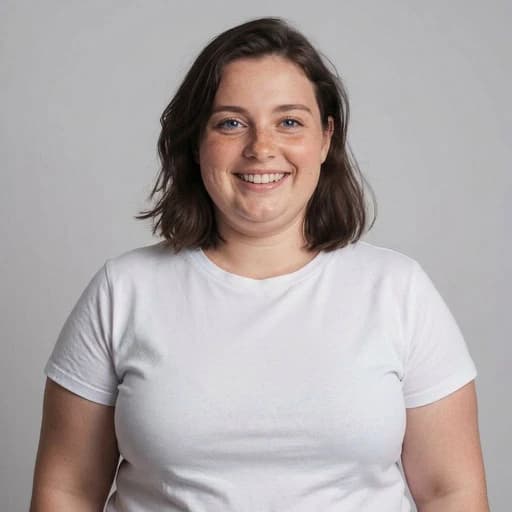
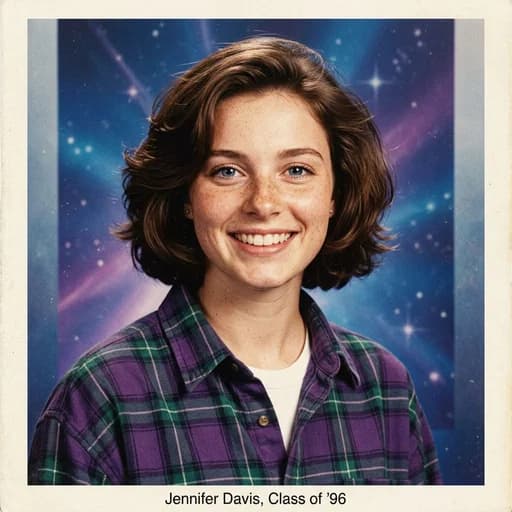
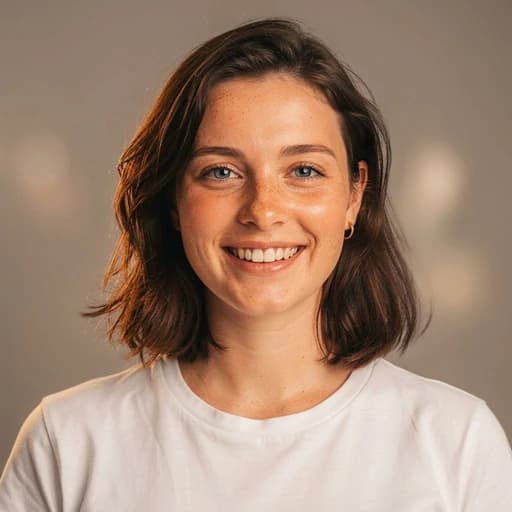
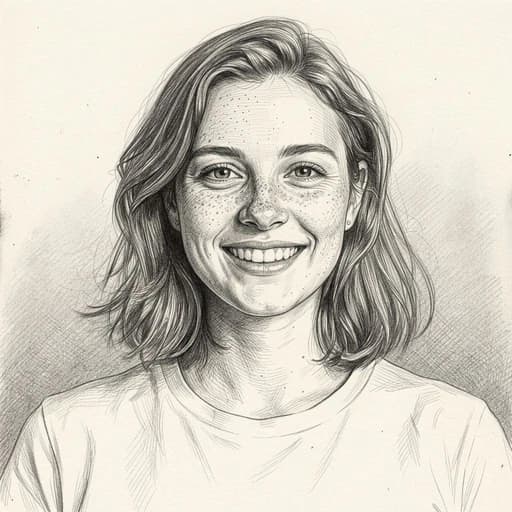
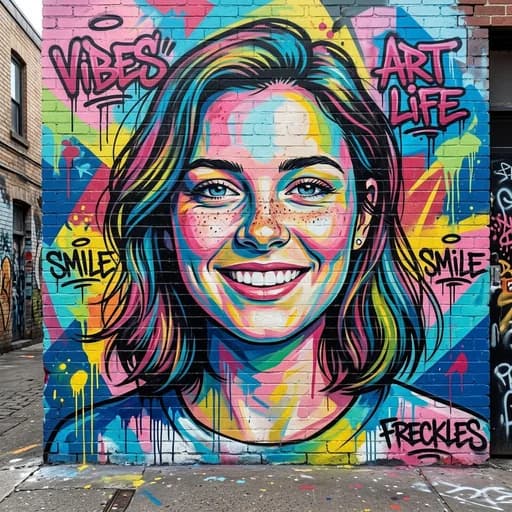
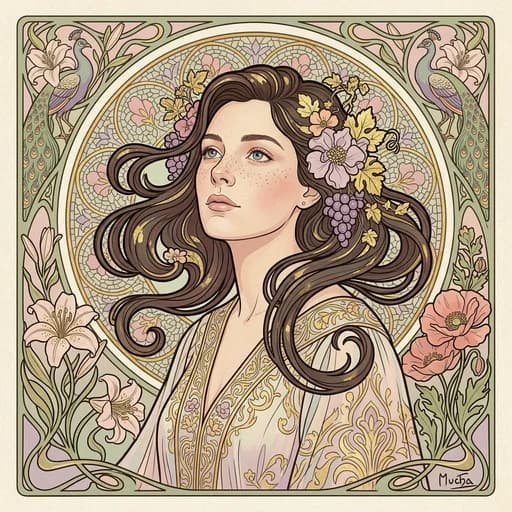
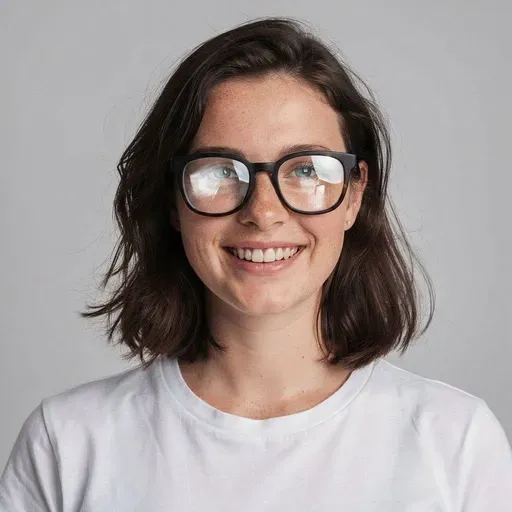
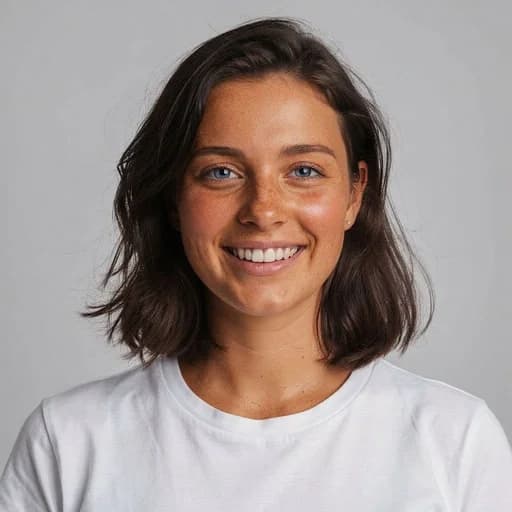
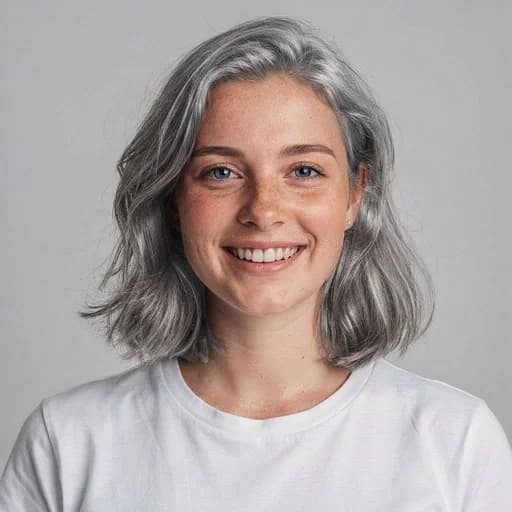
Beyond prompt edits and filters — reshape, expand, upscale and vectorize any photo.


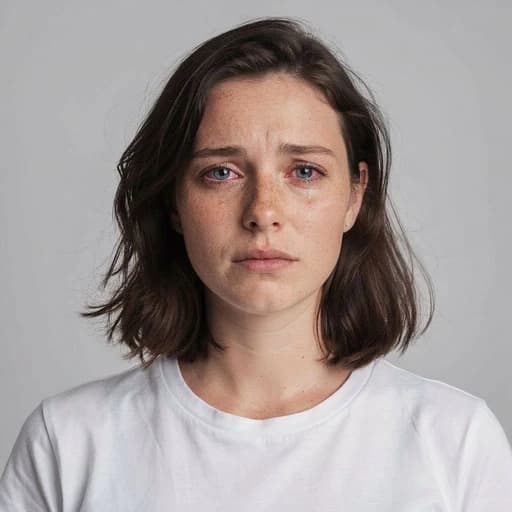
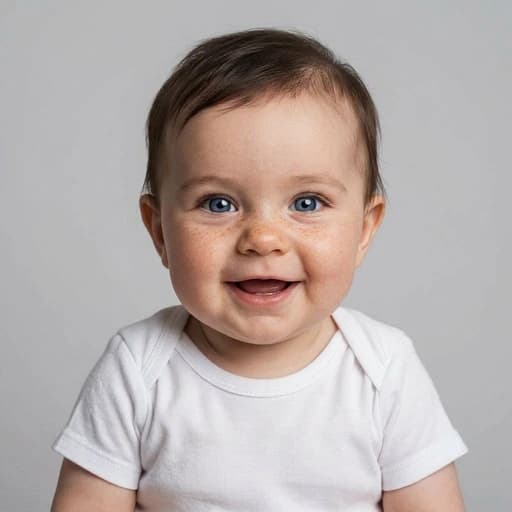
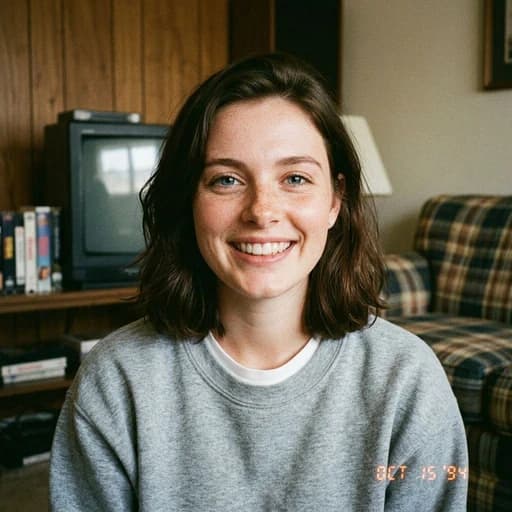

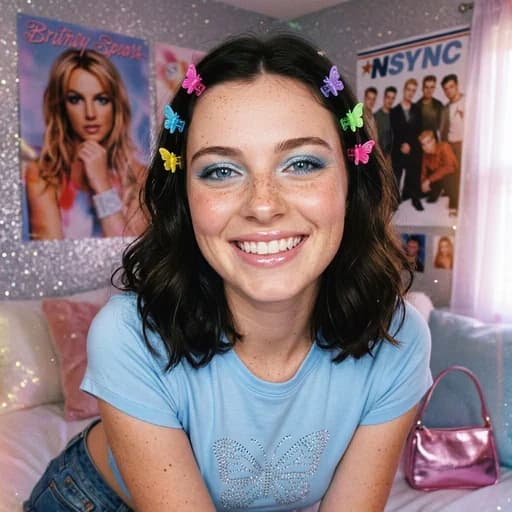





What Our Users Say About PicTools.AI
Selfie to LinkedIn Headshot in Minutes
"I turned a simple selfie on my phone into a LinkedIn-ready headshot in a few clicks. Saved me time and I didn't have to hire a photographer."
Grace Davis
Freelancer
Brought My Old Family Photos Back to Life
"I used the AI photo editor on some pictures of my grandparents that were faded and scratched. The results were amazing. The photos look clear and sharp now, but still natural. It feels like I've got a whole new family album."
Dave Alce
Photo enthusiast
Jewelry Photos That Actually Stand Out
"I run a small jewelry shop, and polishing product shots used to take me forever. Now my photos look clean, sharp, and eye-catching - exactly what I need to stand out."
Luca Harvey
Small business owner
Clean Backgrounds for Every Product
"I needed clean backgrounds for my product photos. I just write what I want and it gives me a background that looks pretty professional. My listings look way better now."
Savannah Foster
Small business owner
Simple and Professional Photo Editing
"I used to spend a lot of time cleaning up edges and fixing focus manually. With PicTools I can do that much faster and without the hassle. The results look clean enough for product shots, and I also use it for images I share on social media."
Ann Young
Writer-Photographer at FixThePhoto
Faster and Cheaper Than Stock Photos
"At my company we stopped paying for stock photos, because with Pictools.ai we create what we need fast. We use it for presentations, campaigns, and team materials without wasting time searching for images."
Ivan Shynkarenko
Founder at NuevaCode
Frequently Asked Questions
PicTools.AI is an online AI image editor. Upload any photo and edit it with a text prompt, or pick from 130+ one-click AI filters. Remove a background or restore an old photo in seconds.
Yes, free to try. Sign up and get 2 free credits to use on any tool - no credit card required.
Need more? Check our subscription plans and credit packs.
Upload your photo and type what you want to change - for example "remove the background", "change my outfit to a red dress", or "make me smile". The AI applies your edit instantly.
AI filters are one-click styles that transform your photo instantly - no prompt needed. Choose from 130+ options like Studio Ghibli, Anime, Vintage, AI Makeup. Each filter uses 1 credit.
No. PicTools.AI is an online AI photo editor that runs in your browser on any device. Nothing to install.
You can upload a photo and look around without one, but generating an edit needs an account. It is free: one tap with Google, or an email and a password, and you land back where you were with 2 free credits waiting.
Yes. Buying any subscription or credit pack removes the watermark for good. Until then, downloads have a PicTools.AI watermark.
Most edits use 1 credit, and combining several photos in one edit costs 1 credit per photo. Subscriptions come with a monthly allowance, and credit packs are one-off top-ups that never expire.
Current prices are on plans and credit packs.
Yes. Cancel from My Account, using Manage billing. You keep access to the end of your paid period, and you are not charged again.
Creative editing is open. Styles, outfits, backgrounds, fantasy and horror looks, dramatic makeovers: if you can describe it, the AI will try it, and how you word the prompt matters more than any list of rules.
There are limits, and they are the ones you would expect from a tool people use on real photographs of real people. They are listed in our Terms. If a prompt is refused, the attempt does not use a credit.
Yes. Marketing, websites, social media, you name it. Just make sure you own the rights to any images you upload.
See our Terms for details.
Yes. Your images are never used to train AI models and are never sold. They are processed only to provide the service.
You can delete any image at any time, and you can delete your whole account from My Account.
See our Privacy Policy for details.
Ready to Transform Your Photos?
Start editing with 2 free credits, no credit card required.
Start Editing Free