Webtoon Filter AI
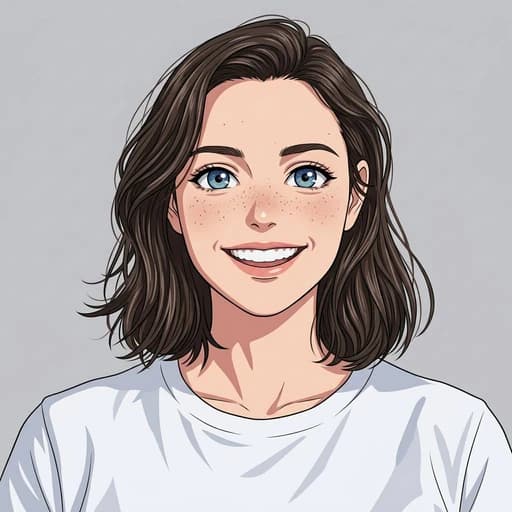
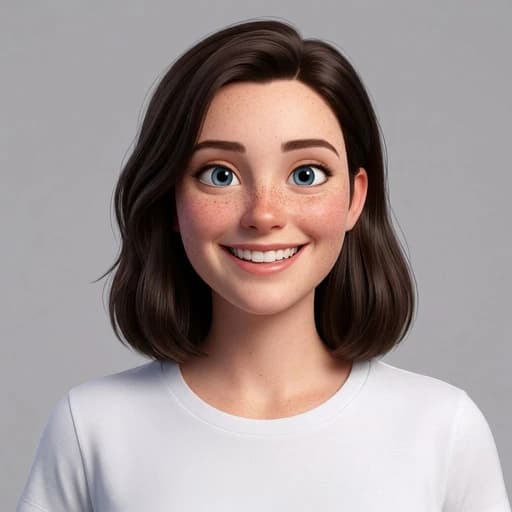
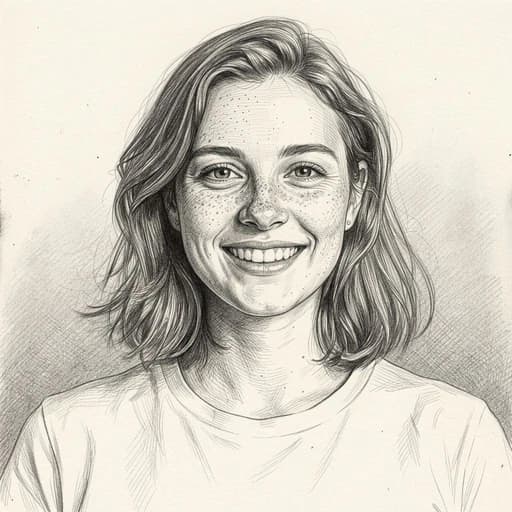
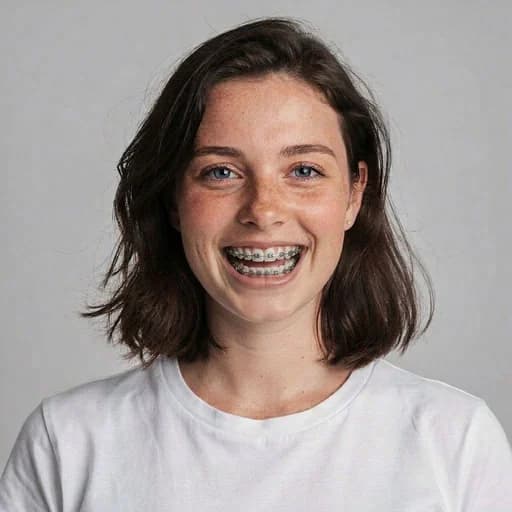
Before & After: Webtoon Filter
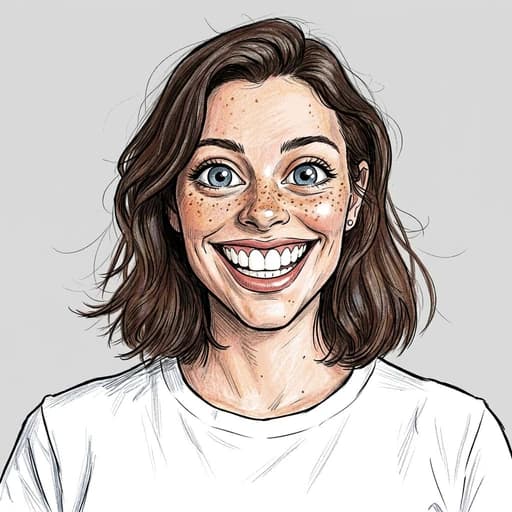
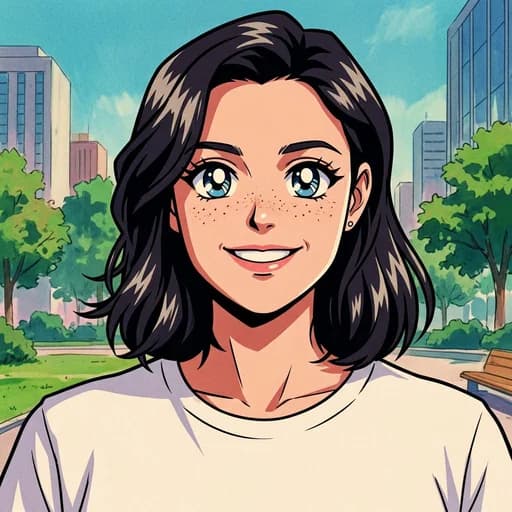
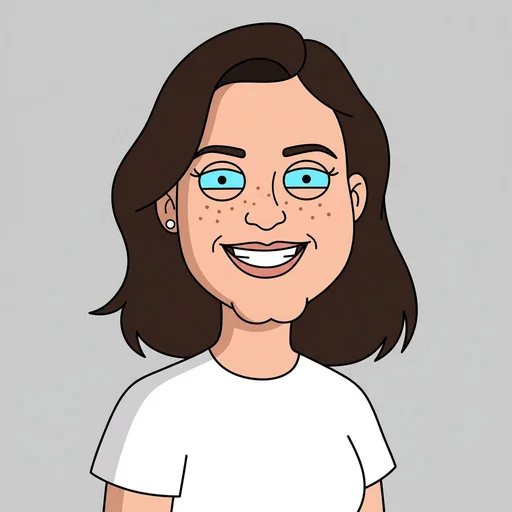
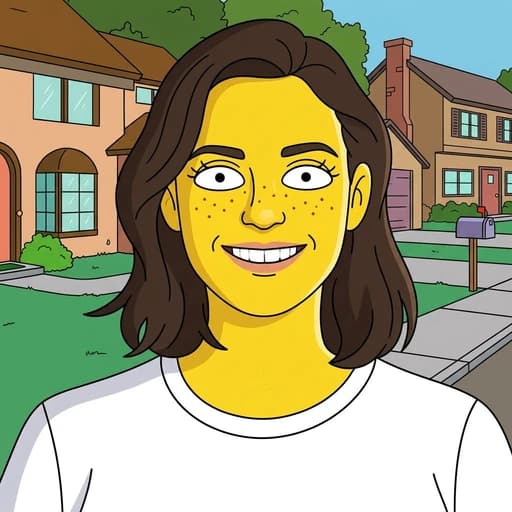
Example: left, original photo; right, webcomic illustration. Drag to compare.

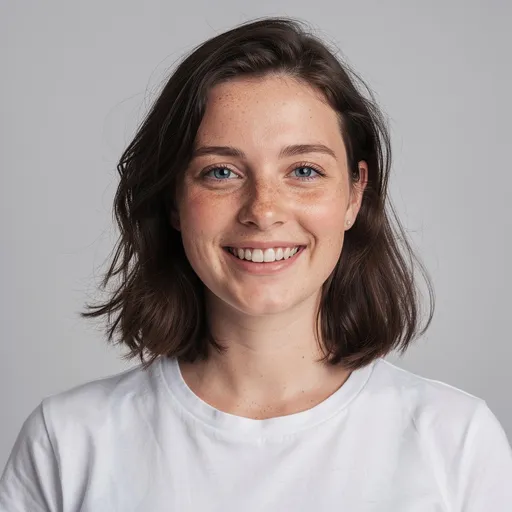
Before
After
Tap to compare
What this filter changes
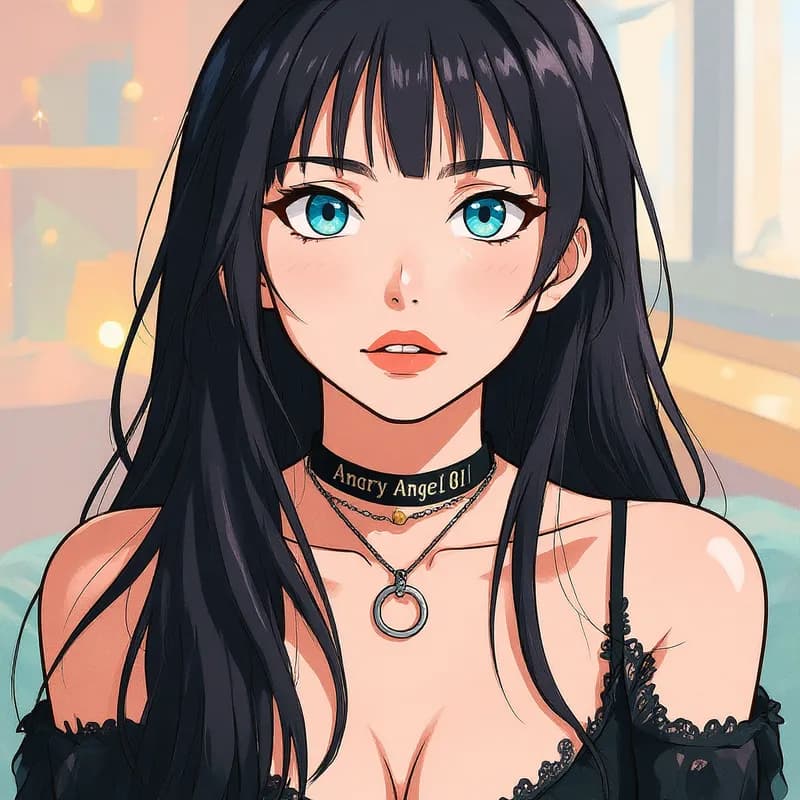
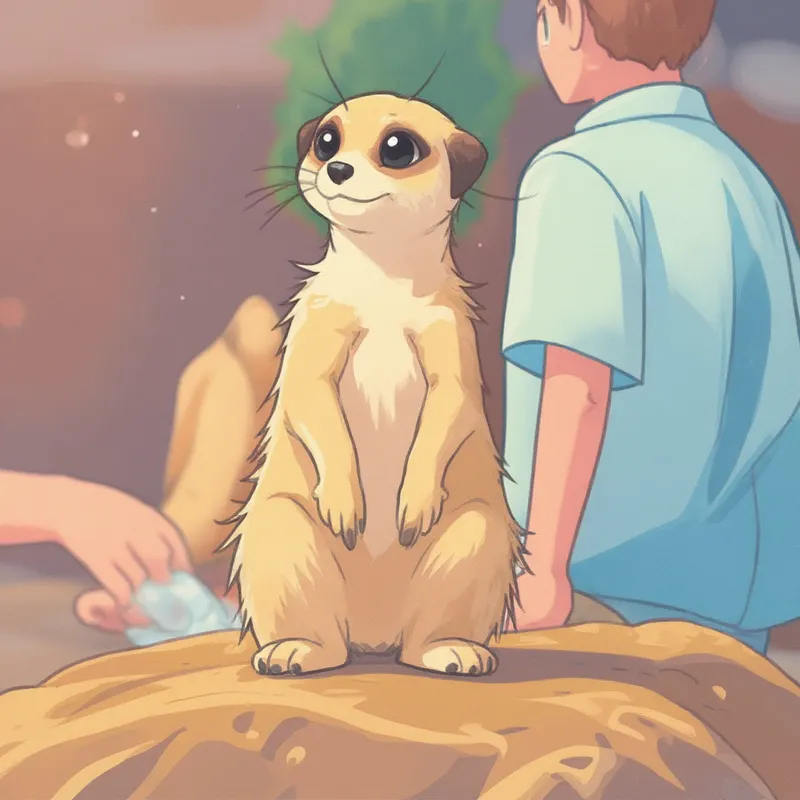
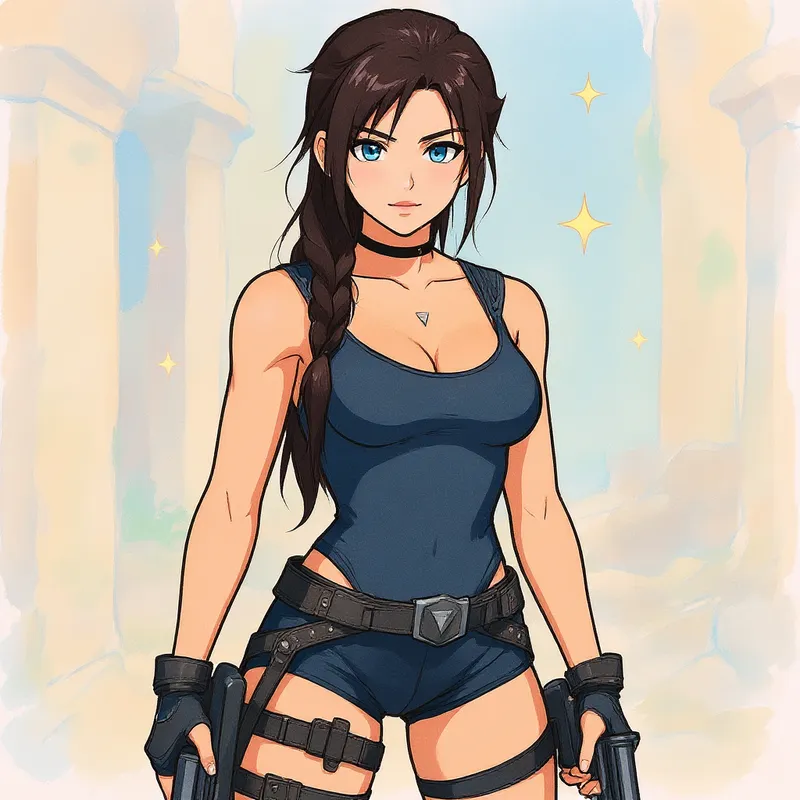
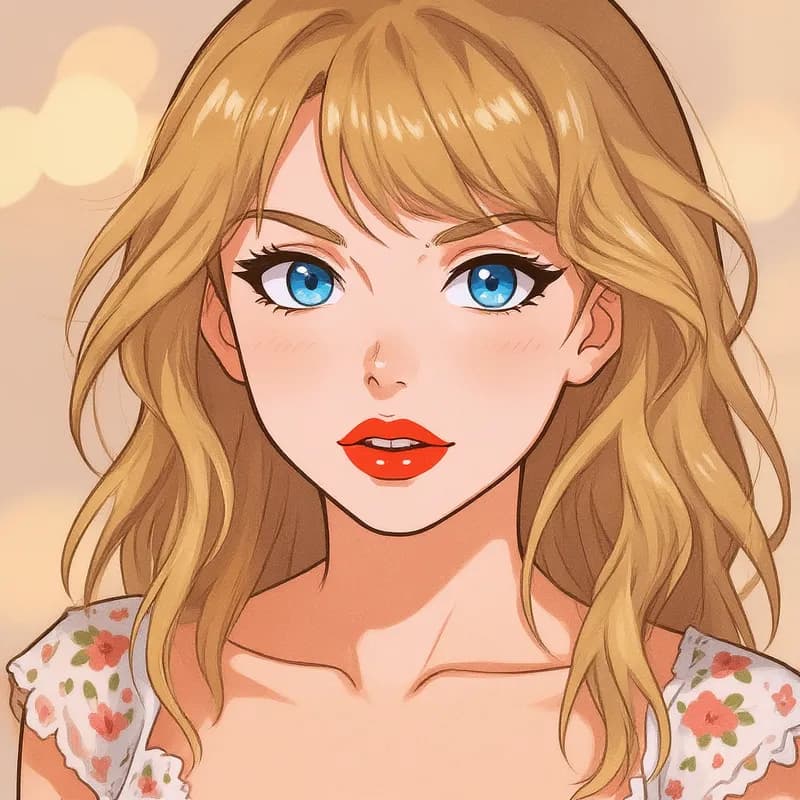
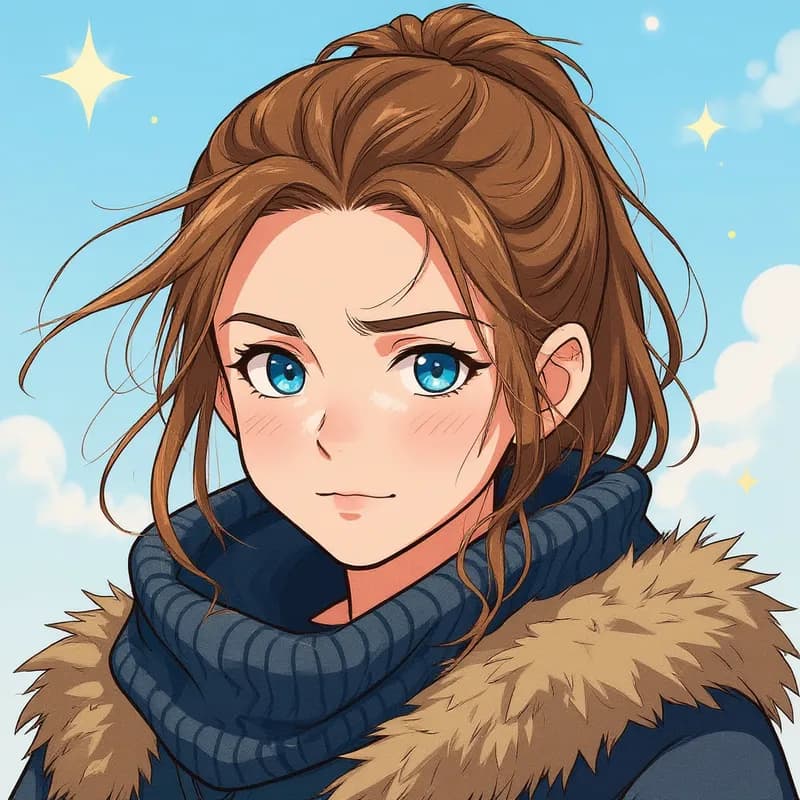
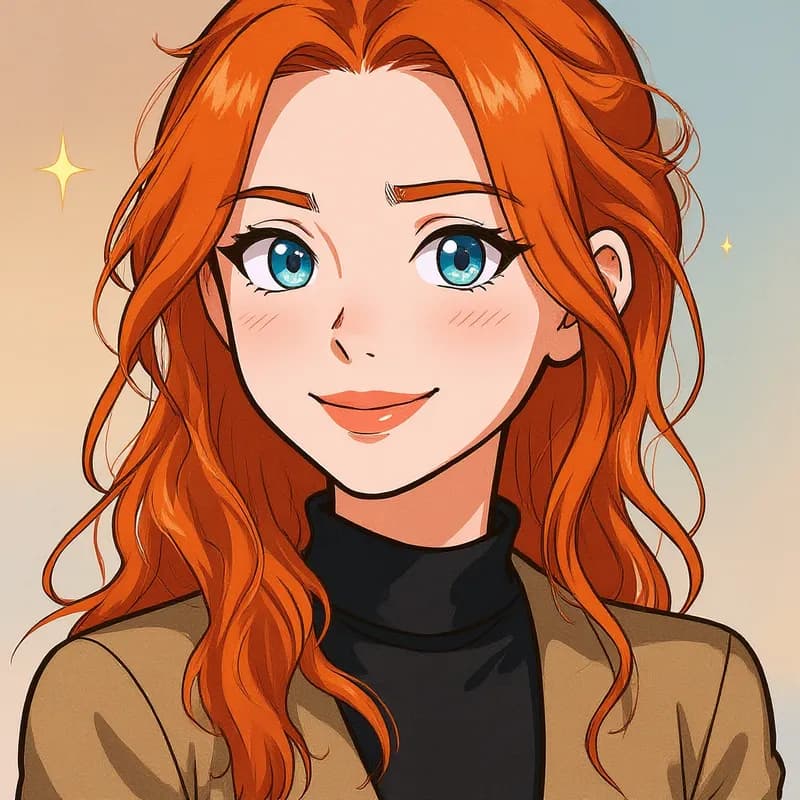
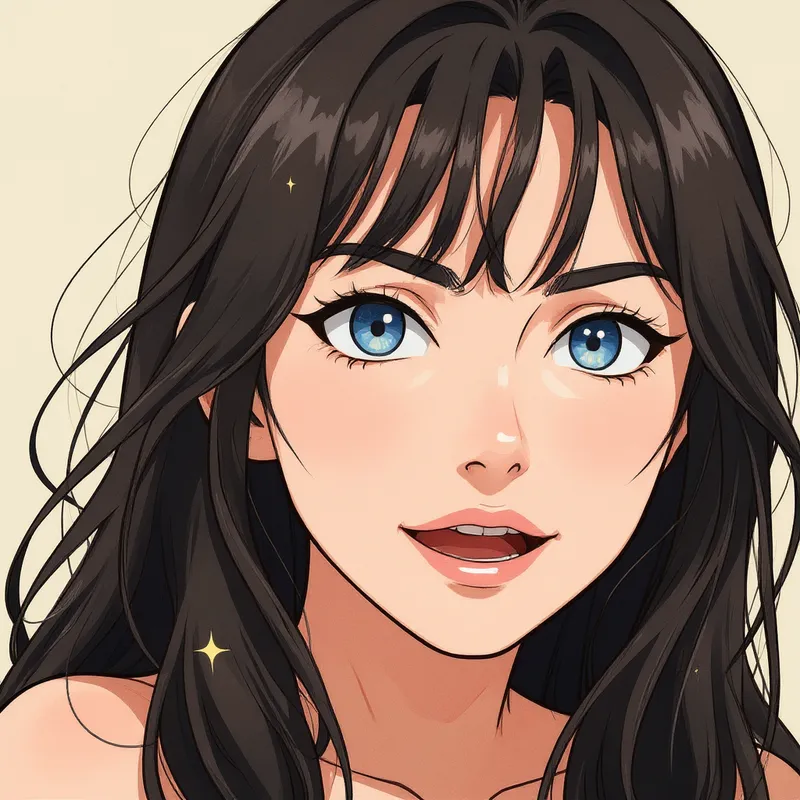
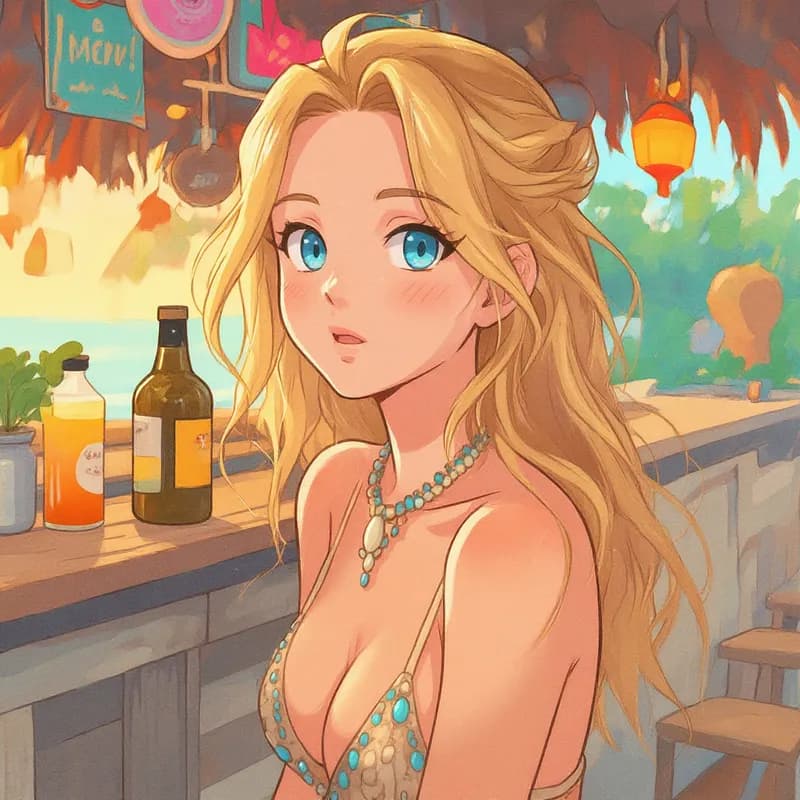
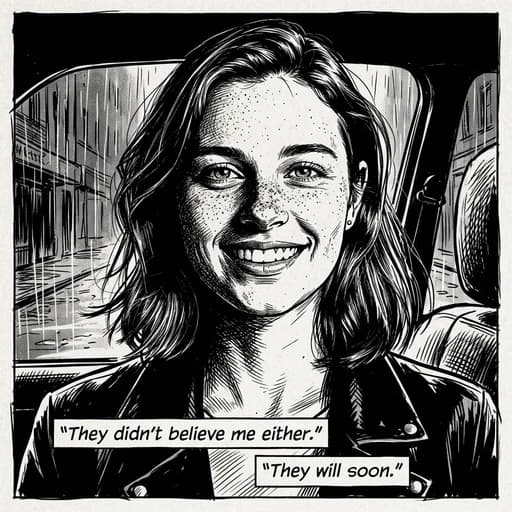
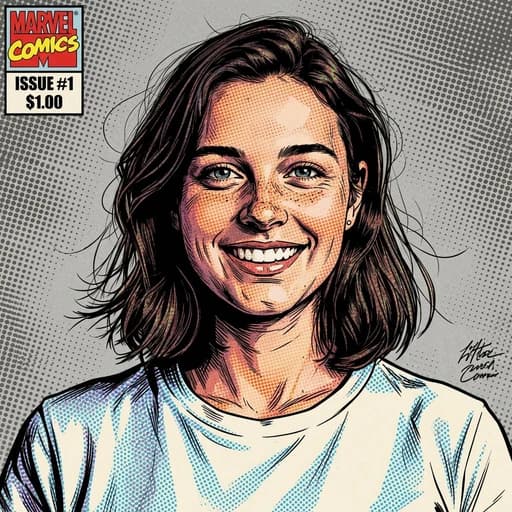
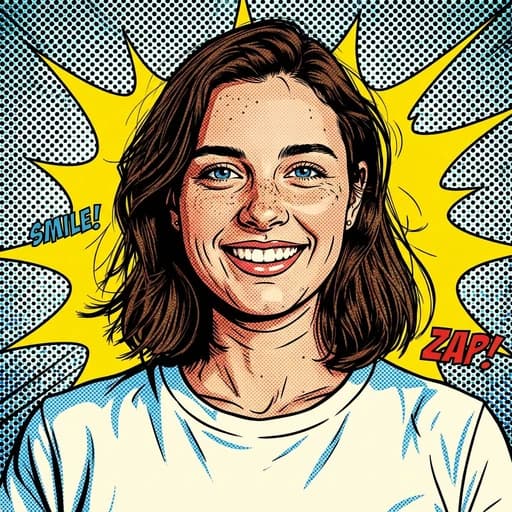
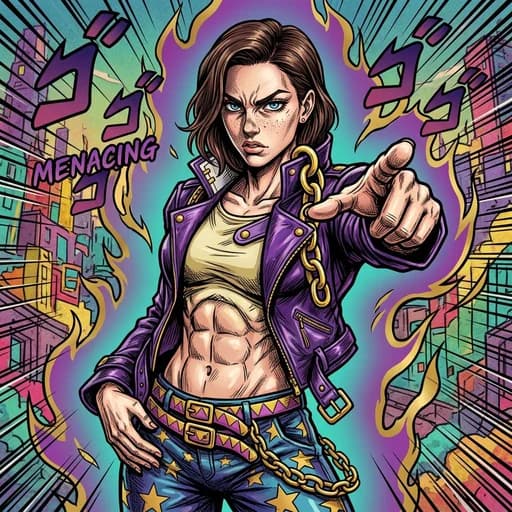
Redraw a photo with clean linework and flat cel shading, softer than halftone superhero comics. The webtoon filter creates one illustration, not a comic sequence with panels and dialogue.
Try it for: Character references. Explore a cel-shaded version of a photographed subject.
How to use this filter
1. Upload a photo
Use an evenly lit portrait.
2. Apply the webtoon filter
Generate a cel-shaded webcomic illustration in the editor.
3. Review and download
Check the linework and facial features, then download.
Tips & limitations
- Busy backgrounds may become flat shapes and colours.
- Character consistency across separate generations is not guaranteed.
Last reviewed by PicTools.AI editorial.
Webtoon Filter FAQs
Upload your photo to PicTools.AI. The AI transforms it into a webtoon-style illustration — clean lines, soft shading, and the digital manhwa aesthetic used in popular Korean webcomics. No drawing skills needed.
Yes, you can try it for free. Sign up to get welcome credits and start transforming photos instantly — no credit card required.
A webtoon AI filter uses AI to recreate your photo in the digital illustration style of webtoons — the Korean webcomic format known for clean linework, expressive characters, and soft pastel-style coloring.
A clear portrait makes the stylized face easiest to inspect. The AI may simplify faces, clothing and backgrounds as it redraws the photo.
No. It creates one webcomic-style image from one photo; it does not build sequential panels, write dialogue or keep a character consistent across separate generations.
See More Webtoon Filter Examples ▾
Webtoon Filter Examples
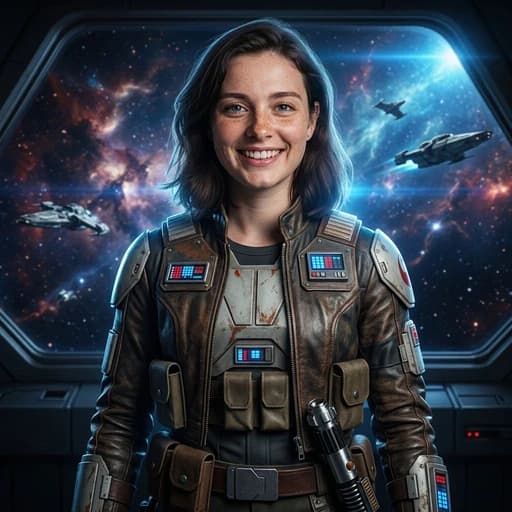
Photos turned into webtoon-style art with AI