Bald Filter AI
Before & After: Bald Filter
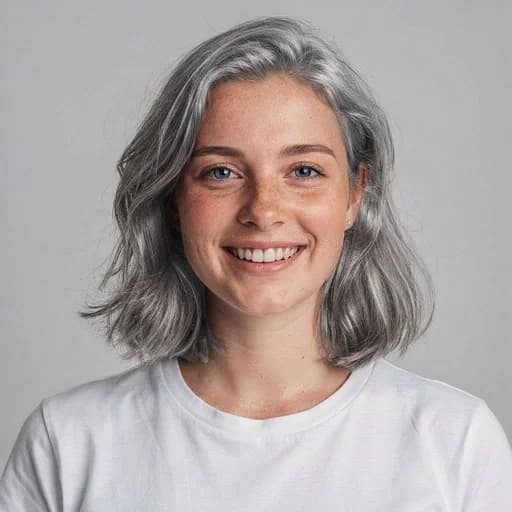
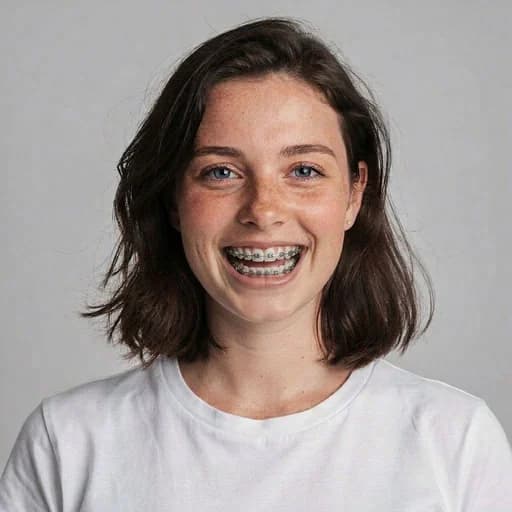
Example: left, original portrait; right, shaved-head look. Drag to compare.


Before
After
Tap to compare
What this filter changes
Try a shaved-head look with an AI-generated scalp. The bald filter cannot reveal your real scalp shape or predict hair loss; head shape and skin tone may change.
How to use this filter
1. Upload a front-facing photo
Keep the whole head in the frame.
2. Apply the bald filter
Generate a shaved-head variation in the editor.
3. Review and download
Check the scalp and head outline, then download.
Tips & limitations
- Avoid hats, hoods and hands covering the head.
- The newly visible scalp is invented, not revealed.
Last reviewed by PicTools.AI editorial.
Bald Filter FAQs
Upload a portrait with the full head visible. The AI removes visible hair and generates a shaved-head variation that you can compare with the original.
Yes, you can try it for free. Sign up to get welcome credits and start transforming photos instantly — no credit card required.
The filter creates a creative bald variation from your photo. It cannot reveal your actual scalp shape or predict future hair loss because areas covered by hair must be generated.
The AI can reinterpret different hair types and lengths, but hair volume, hats, hands or accessories can hide the outline it needs to reconstruct.
Use a front-facing portrait with the full head, ears and hairline visible. Inspect the whole result because skin tone, head shape and nearby details may vary.
See More Bald Filter Examples ▾
Bald Filter Examples
Portraits with an AI-generated shaved-head look