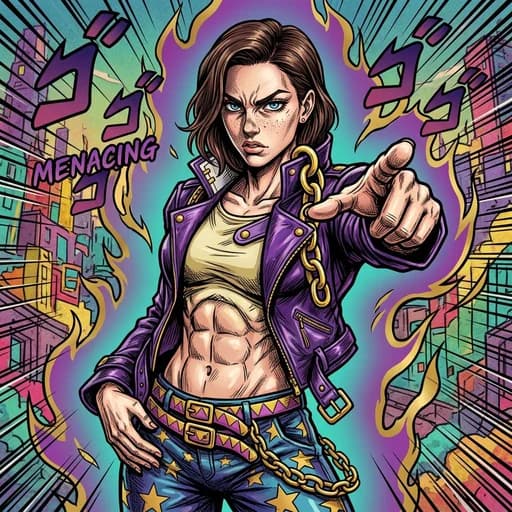
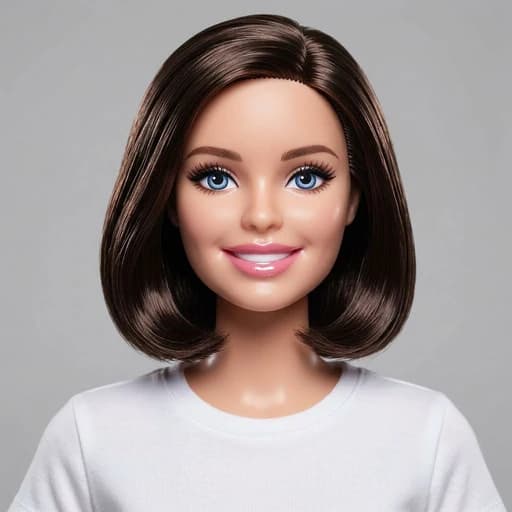
Bob Haircut AI Filter
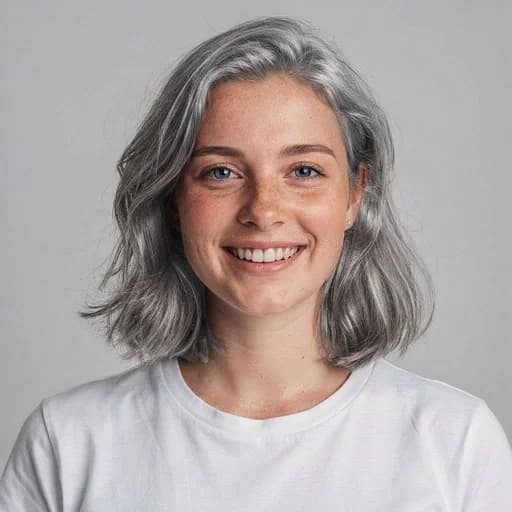
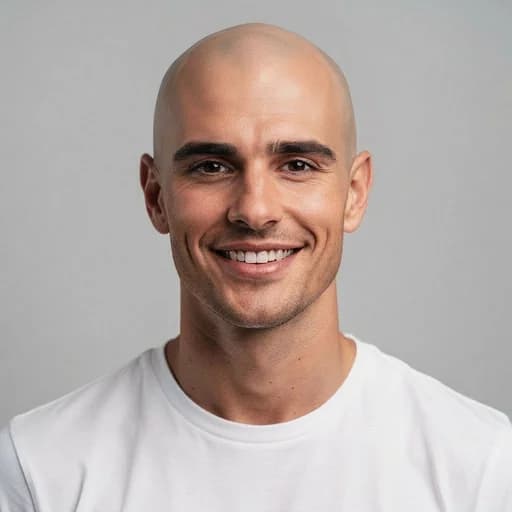
Before & After: Bob Haircut AI Filter
Tap or drag the slider to see the result.


Before
After
Tap to compare
Bob Haircut AI Filter FAQs
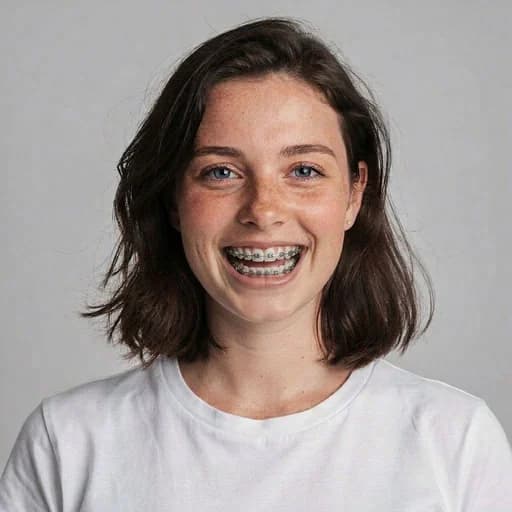
Upload your photo to PicTools.AI. The AI applies a realistic bob haircut to your portrait — chin-length, clean, and polished — while keeping your face and hair color unchanged. No editing skills needed.
Yes, you can try it for free. Sign up to get welcome credits and start transforming photos instantly — no credit card required.
The AI applies a classic chin-length bob that suits your face shape and matches your natural hair color, so you can see a realistic preview before committing to the cut.
No. The AI only changes the hairstyle. Your face, skin, background, and lighting stay exactly the same.
Clear front-facing portraits with fully visible hair and face work best. Good lighting and a photo where the hair is clearly visible give the AI the most accurate result.