Black Hair AI Filter
Before & After: Black Hair Filter
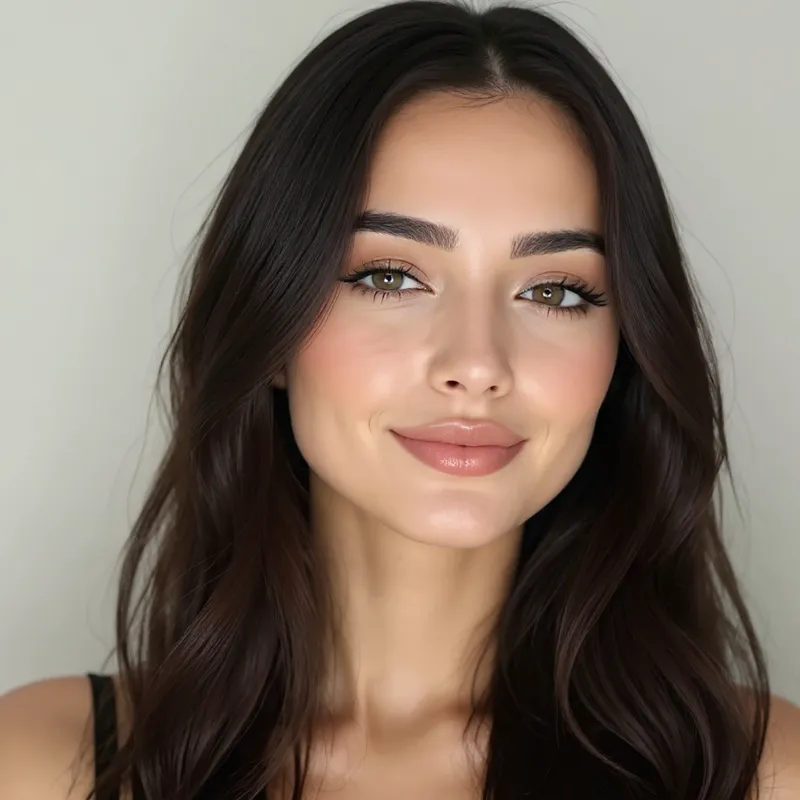
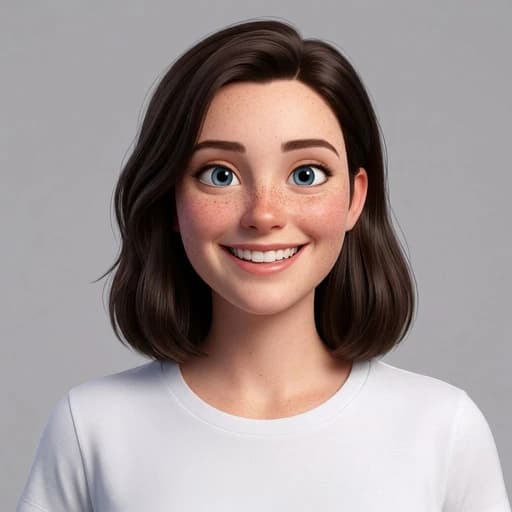
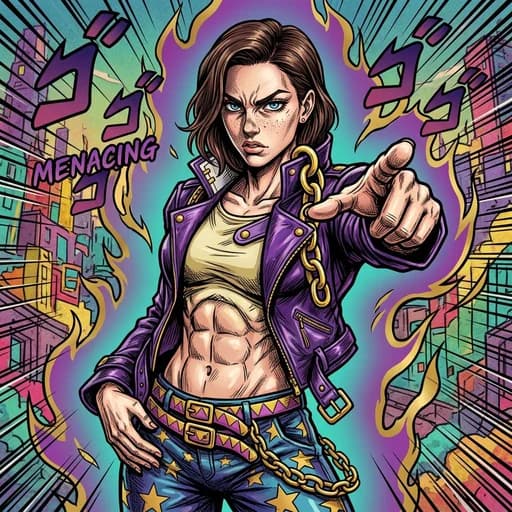
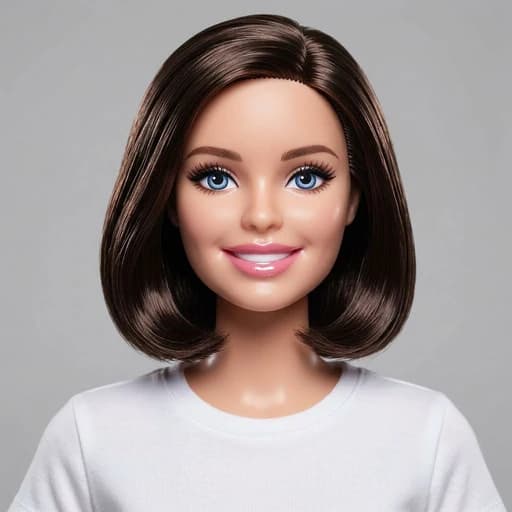
Example: left, original brown hair; right, AI-generated black hair. Drag to compare.


Before
After
Tap to compare
What this filter changes
Apply one preset black hair effect to your portrait; there is no shade picker. The result is an AI style preview, not an exact dye-colour or salon prediction.
Try it for: Explore a darker hair colour. Use the image as visual inspiration when discussing colour options with a stylist.
How to use this filter
1. Upload a clear portrait
Show the full hairline and ends against a background that contrasts with the hair.
2. Apply the filter
Generate the black hair preview in the editor.
3. Review and download
Check the colour, hairline and facial details before saving the image.
Tips & limitations
- Black tones and highlights vary with the original lighting and hair colour.
- Hair texture, facial details and the background can also change during generation.
Last reviewed by PicTools.AI editorial.
Black Hair AI Filter FAQs
Upload a portrait with the full hairstyle visible, apply the black hair filter, then compare the generated result with the original before downloading.
Yes, you can try it for free. Sign up to get welcome credits. No credit card required.
The filter creates one AI-generated black-haired version of your portrait. It can help you explore the overall contrast, but the shade and details vary with the source photo.
No. This preset generates one interpretation of black hair and does not include a shade picker or intensity control.
No. Hair condition, porosity, previous colour and the dye process affect a real result. Use the image as style inspiration rather than an exact salon preview.
The intended change is hair colour, but AI generation can also alter hair texture, facial details, lighting or the background. Check the whole image before using it.
Use an evenly lit portrait with the full hairline and ends visible. Avoid hats, hands over the hair and backgrounds that blend into the hairstyle.
See More Black Hair Filter Examples ▾
Black Hair AI Filter Examples
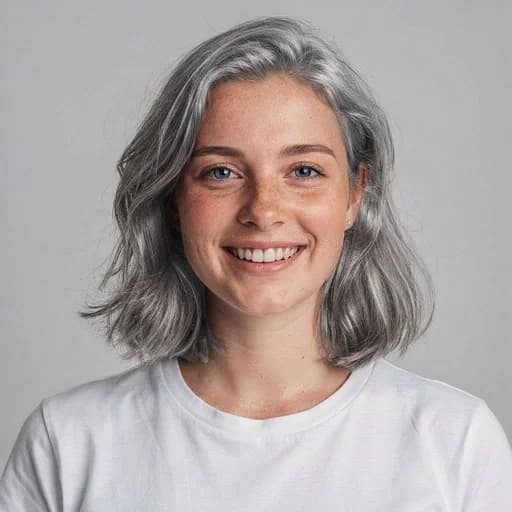
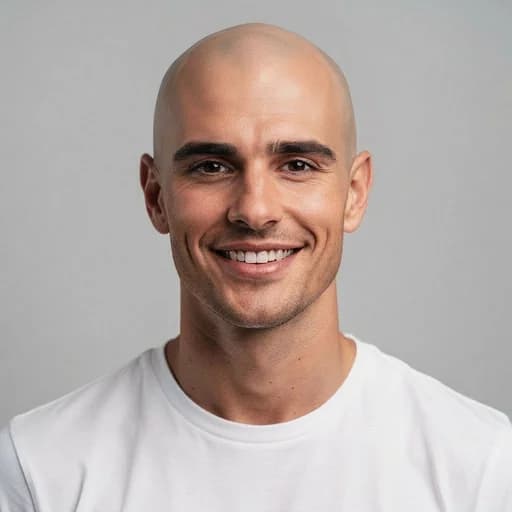
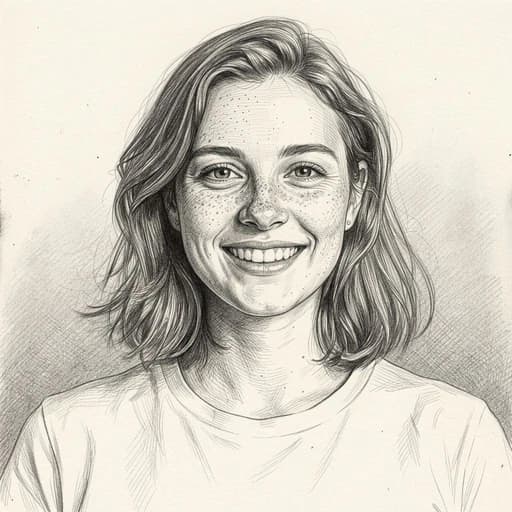
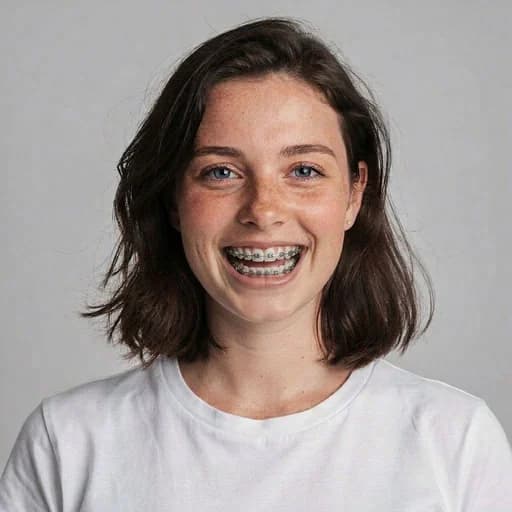
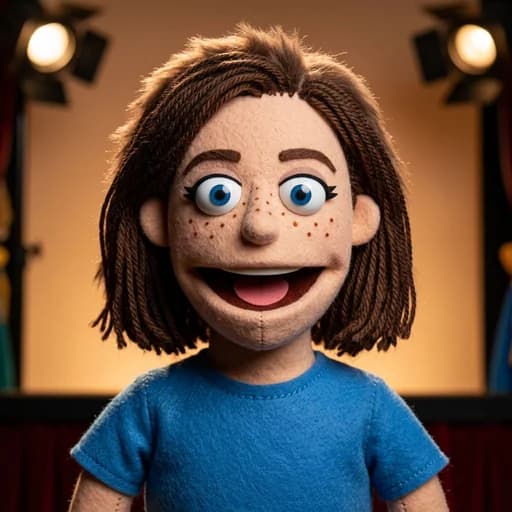
Photos transformed with the Black Hair AI Filter