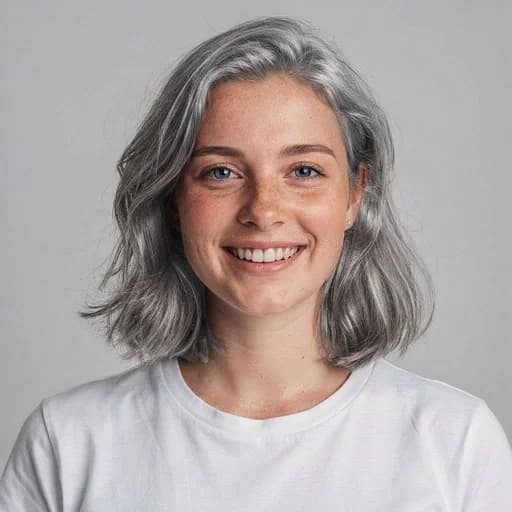
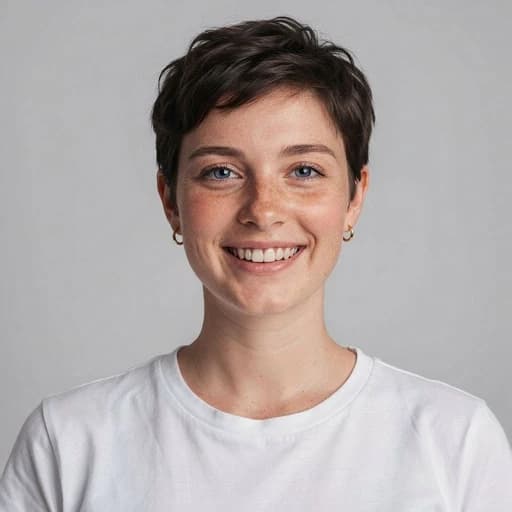
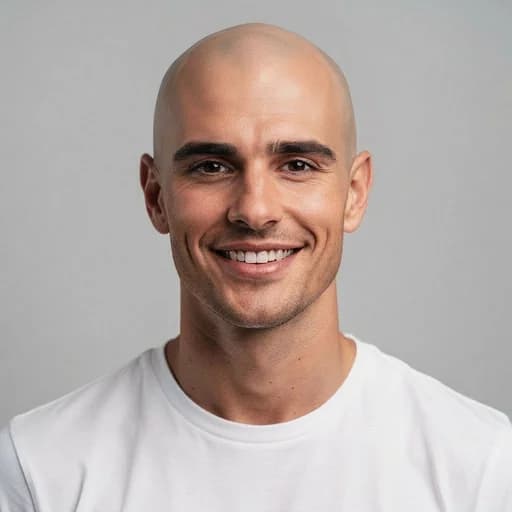
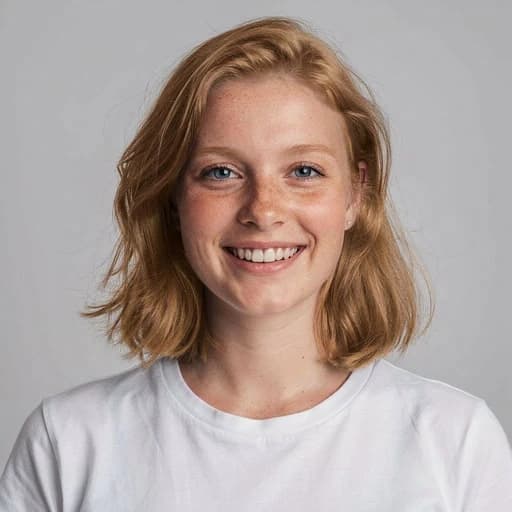
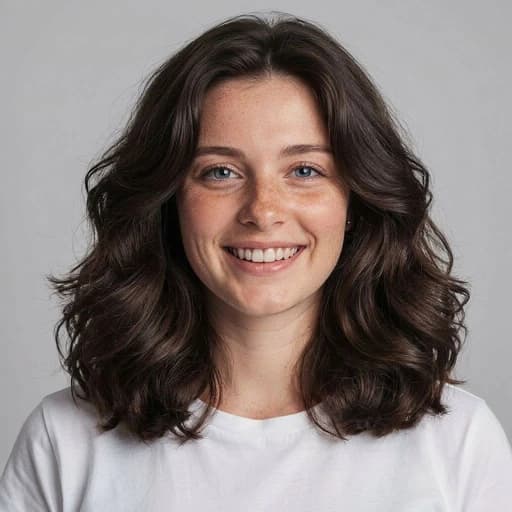
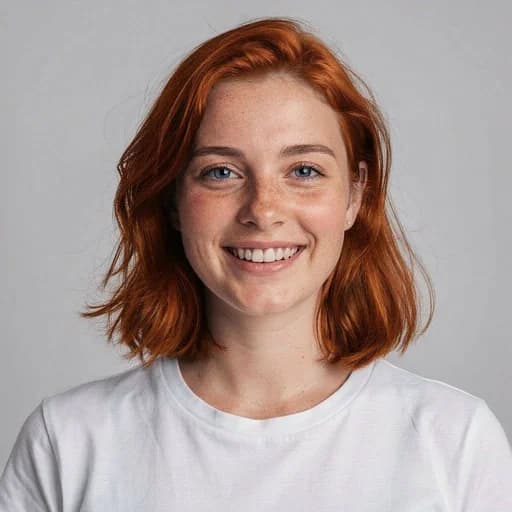
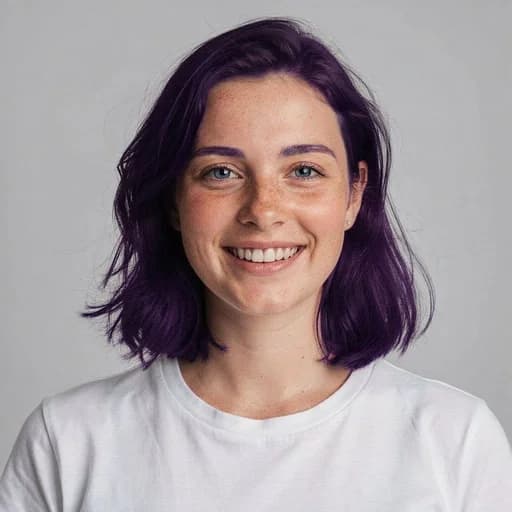
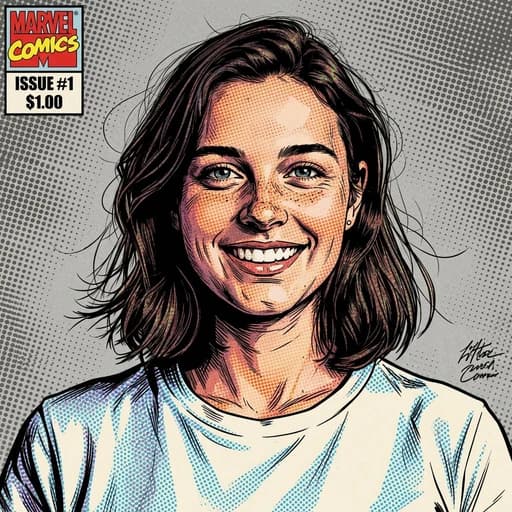
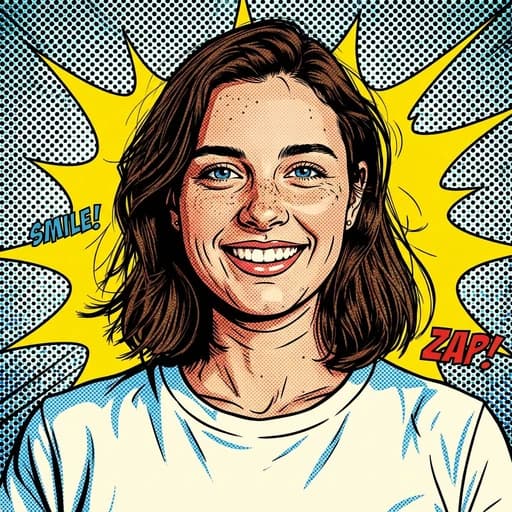
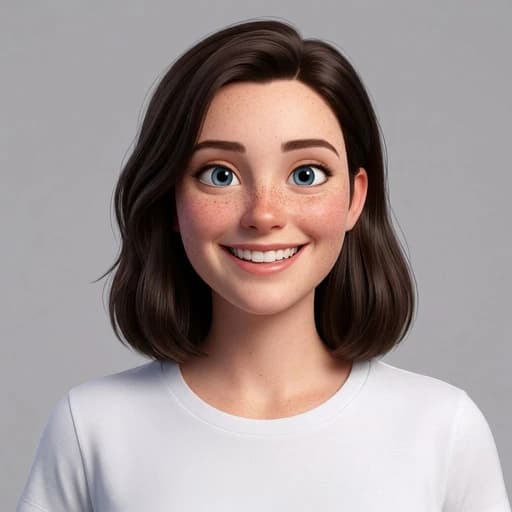
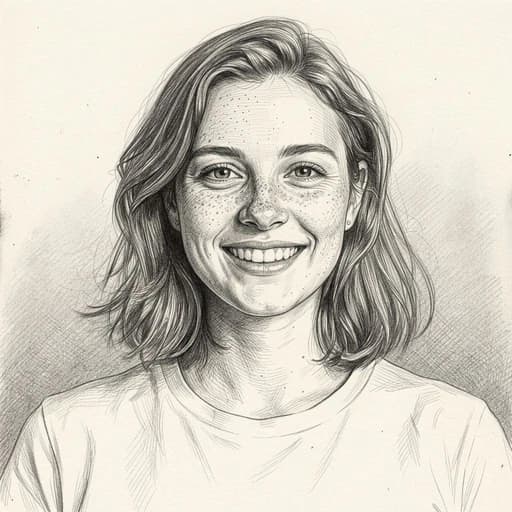
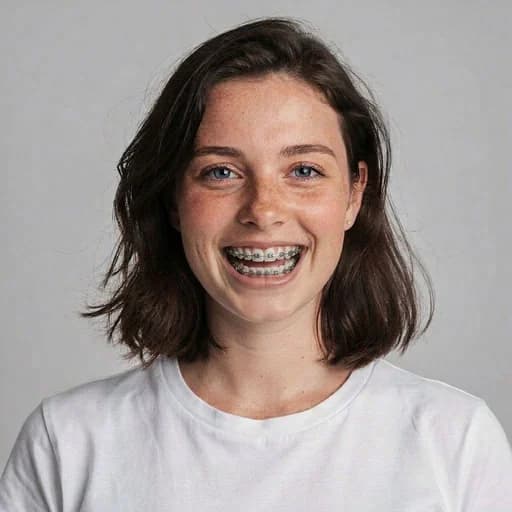
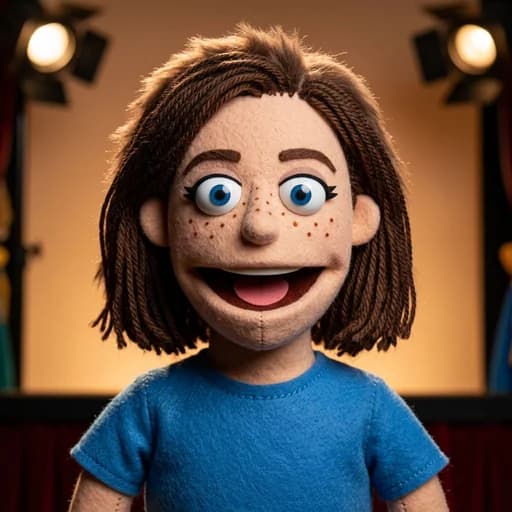
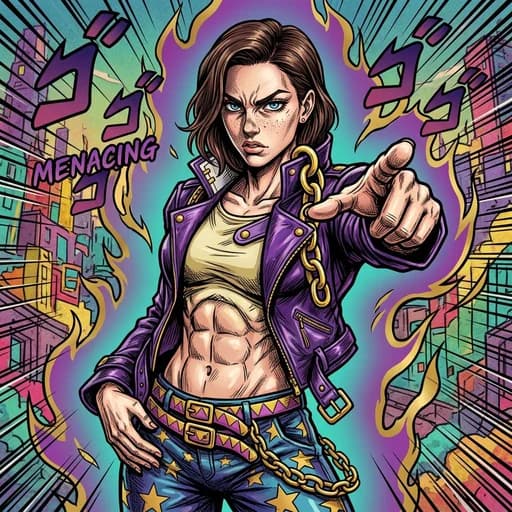
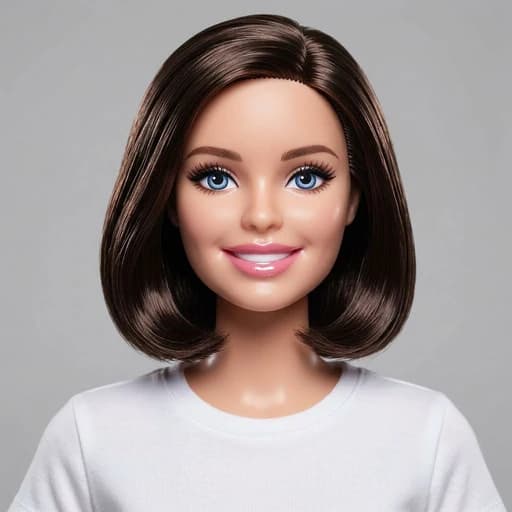
Brown Hair AI Filter
Before & After: Brown Hair AI Filter
Tap or drag the slider to see the result.

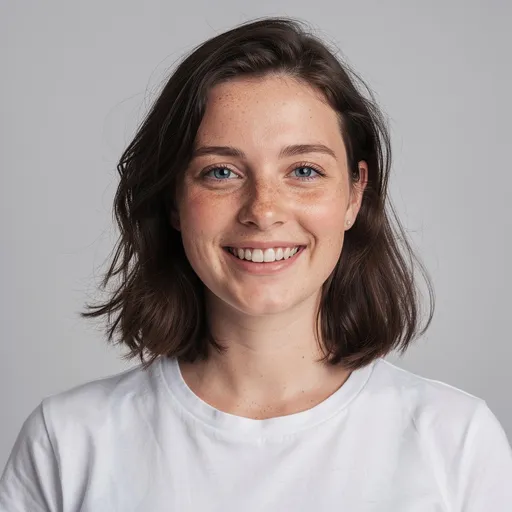
Before
After
Tap to compare
Brown Hair AI Filter FAQs
Upload your photo to PicTools.AI. The AI changes your hair to brown while keeping your face, skin tone, and the rest of the photo exactly the same. No editing skills needed.
Yes, you can try it for free. Sign up to get welcome credits and start transforming photos instantly. No credit card required.
Yes. The AI applies a realistic brown hair color that matches your hair length and texture, so the result looks as natural as possible.
Yes. The AI works on all hair colors, including blonde, red, and black. It applies a believable brunette tone that blends with your natural hair length and texture.
The AI applies a rich, natural mid-brown. A classic brunette tone that suits most skin tones and hair types. It avoids flat digital fills and adapts to your hair texture for a realistic result.
No. The AI targets only the hair. Your face, skin, background, and lighting stay exactly the same.
Clear portraits with fully visible hair work best. Good lighting and a clear separation between hair and background produce the most natural color change.